pCloud Encryption: 50% Off Lifetime Deal in 2026
pCloud Encryption: 50% Off Lifetime Deal in 2026
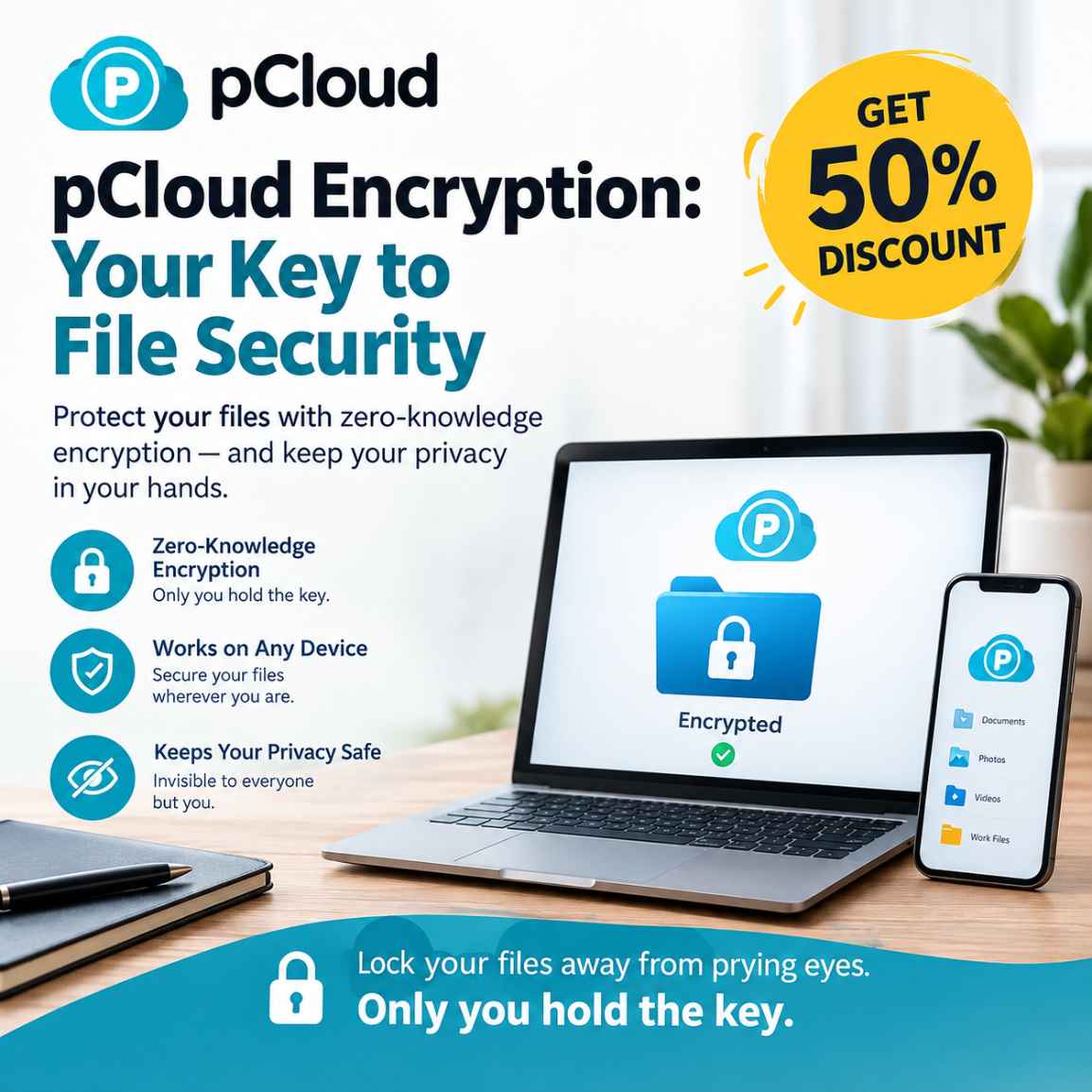
pCloud Encryption is an optional client-side encryption service that protects files stored in pCloud's dedicated Crypto folder. Files are encrypted on your device before upload, and only you hold the encryption key. Its lifetime plan provides a one-time payment option, making it worth considering for people who regularly store sensitive documents in the cloud.
Cloud storage makes it easier to keep documents, photographs, financial records and work files accessible across devices. But convenience alone does not answer an important question: who can actually access the information you upload?
For sensitive documents, ordinary cloud storage security may not provide the level of privacy you want. This is where client-side encryption becomes relevant.
If you regularly store sensitive files in the cloud, it is worth checking pCloud Encryption's current lifetime offer and confirming the final price before deciding whether the added privacy is right for you.
pCloud Encryption is designed to protect your most sensitive files through a dedicated Crypto folder and a zero-knowledge encryption model. Instead of relying solely on protection applied by the cloud provider, files placed in this folder are encrypted on your device before they are uploaded.
There is also a time-sensitive purchasing opportunity. For its Halloween 2026 campaign, pCloud has announced a lifetime Encryption plan for $115, compared with an advertised reference price of $229. The promotion runs from October 26 through October 31, 2026, according to the company's published announcement.
However, buyers should verify the price displayed at checkout. The standard English product page has also displayed a $150 lifetime price, making it important to understand the advertised discount rather than relying on the headline alone.
For people considering an additional layer of file privacy, this guide explains what pCloud Encryption does, who may benefit from it, what the current offer includes, and what to consider before paying.
Considering a dedicated encryption solution? Check the current pCloud Encryption lifetime offer and confirm the final price before making a purchase.
What Is pCloud Encryption?
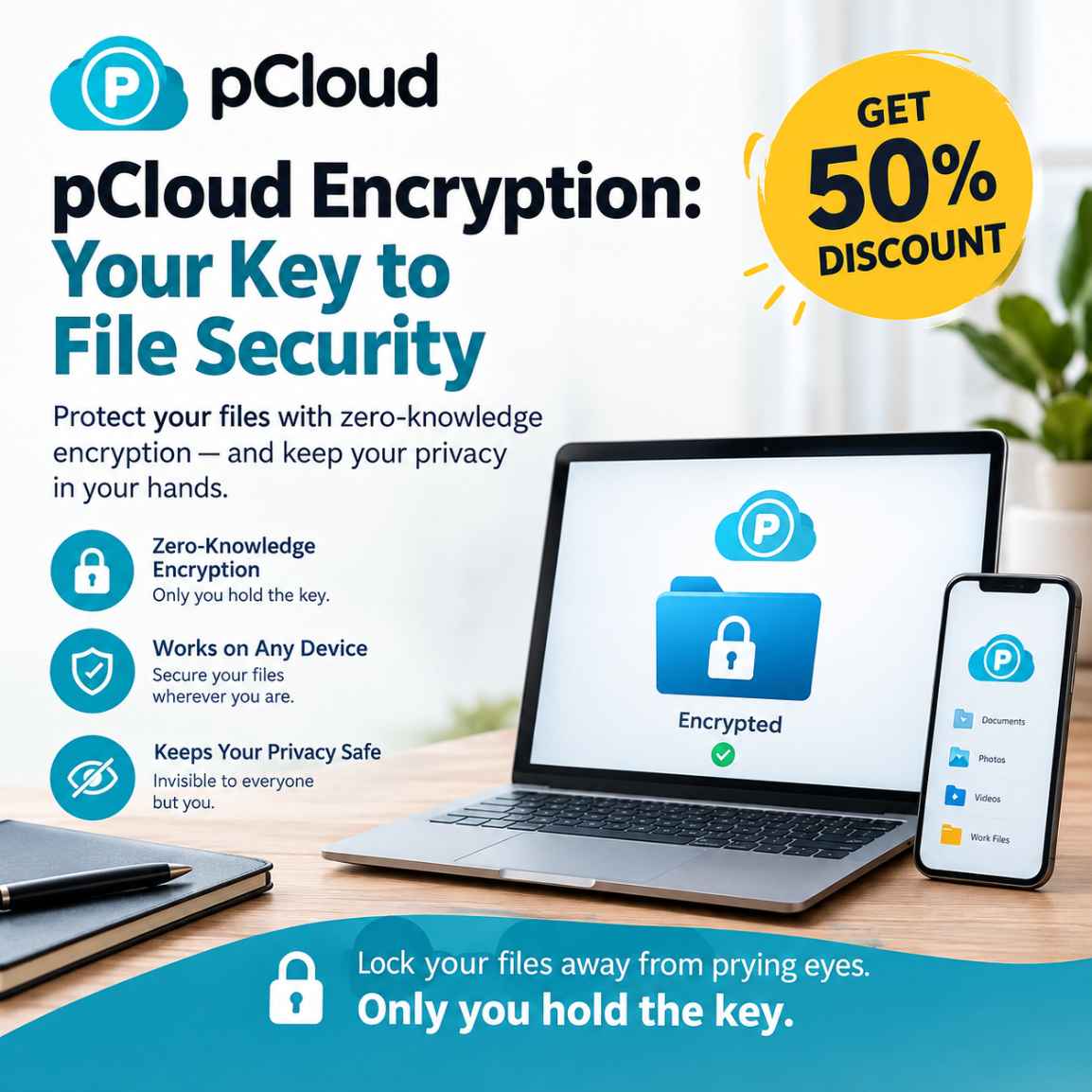
pCloud Encryption is an optional privacy feature from pCloud that uses client-side encryption and a zero-knowledge approach to protect selected files.
It works through a dedicated area called the Crypto folder. When you place files in this folder, they are encrypted on your device before being uploaded to the cloud.
The distinction is important.
A cloud service may protect information while it travels between your device and its servers and while it is stored on those servers. Client-side encryption adds another layer by encrypting files before they reach the provider.
Under pCloud's stated zero-knowledge model, you retain control of the encryption key.
This makes the feature particularly relevant to people who store sensitive documents online but want stronger privacy than ordinary cloud storage protection alone provides.
Potential use cases include:
- Personal financial documents and tax records
- Scanned identity documents
- Confidential contracts and business agreements
- Private photographs and personal records
- Sensitive project documents
- Selected files that freelancers and consultants manage for their work
The key consideration is not whether every file needs additional encryption. It is whether certain files are sensitive enough to justify the extra protection.
For a broader introduction to the platform's storage, synchronisation, backup, and file-sharing capabilities, see our overview of pCloud's cloud storage features.
pCloud Encryption Halloween Deal 2026: Price and Offer Details
The October promotion gives prospective buyers a reason to evaluate pCloud Encryption now rather than postponing a purchase indefinitely.
Here are the announced details.
| Offer detail | Information |
|---|---|
| Product | pCloud Encryption |
| Plan | Lifetime |
| Advertised reference price | $229 |
| Promotional price | $115 |
| Advertised discount | 50% |
| Campaign start | October 26, 2026 |
| Campaign end | October 31, 2026 |
| Payment model | One-time payment for the lifetime plan |
| Primary benefit | Client-side, zero-knowledge encryption for selected files |
The dates and promotional price come from pCloud's published campaign announcement.
An important pricing distinction: The standard English pCloud Encryption page has displayed a $150 lifetime price alongside the $229 reference price. The $115 campaign price is below that $150 figure, but the difference is approximately 23%, not 50%.
This does not change the announced campaign price. It does mean that the advertised 50% saving is calculated against the stated $229 reference price, rather than necessarily representing a 50% reduction from the price a customer would otherwise pay today.
Before purchasing, check the offer page, confirm that the lifetime option is selected, and verify the final amount at checkout.
Taxes, currency conversion and other transaction-specific details should be checked where applicable.
Check the current pCloud Encryption offer: Visit pCloud's official website and confirm the price and conditions shown for your purchase.
What Does pCloud Encryption Actually Protect?
Understanding the product's practical benefits is more useful than relying on broad claims about digital security.
1. Files are encrypted before upload
Client-side encryption means files are encrypted on your device before being sent to pCloud.
This is a meaningful distinction for privacy-conscious users because the encryption does not depend solely on protection applied after a file reaches the cloud server.
It is especially relevant when you want to store selected confidential documents online without leaving their contents readable to the cloud provider.
2. The Crypto folder creates a dedicated protected area
pCloud Encryption uses a dedicated Crypto folder for files that require additional privacy.
Rather than treating every file in your cloud storage as equally sensitive, you can reserve this area for documents that deserve stronger protection.
For example, your ordinary photographs and general project files might remain in your regular storage, while financial records and confidential contracts go into the Crypto folder.
This selective approach can make encrypted storage easier to manage.
3. The encryption key remains under your control
pCloud describes its Encryption feature as zero-knowledge encryption, meaning you hold the key needed to decrypt the protected files.
That is an important privacy benefit. It also creates a responsibility: you need to protect your credentials and encryption key carefully.
Do not assume that a provider can recover the contents of encrypted files if you lose the information required to decrypt them. Before using the service for irreplaceable documents, understand its recovery arrangements and maintain an independent backup where appropriate.
4. You can access protected files across devices
pCloud describes access to its Crypto folder through its desktop, web and mobile environments.
This matters if you work across a computer and a phone, or if you need to retrieve a confidential document while away from your primary device.
Check the current application requirements and workflow before purchasing if your work depends on a particular operating system or device.
5. You can separate ordinary storage from sensitive storage
Not every file needs the same level of protection.
A useful way to organise cloud storage is to keep routine documents in the ordinary storage area and reserve the Crypto folder for material that would create a privacy problem if exposed.
This approach can help you establish a more deliberate file-management routine without making every cloud-storage task more complicated.
Is pCloud Encryption Included With Standard pCloud Storage?
This is one of the most important questions to answer before purchasing.
pCloud Encryption is an optional feature, not something you should automatically assume is included with every standard storage plan.
Standard pCloud storage has its own security protections. However, the additional client-side encryption provided by the Crypto folder is a separate feature unless a particular promotion or bundle explicitly includes it.
This distinction matters because buyers can otherwise pay for a storage plan expecting every file to receive the same zero-knowledge protection.
Consider the difference:
| Requirement | What to consider |
|---|---|
| General cloud storage | Evaluate the regular pCloud storage plans |
| File synchronisation and access | Check the standard storage features |
| Additional privacy for selected files | Evaluate pCloud Encryption |
| Long-term cloud storage without recurring payments | Compare eligible lifetime storage plans |
| Storage and encryption together | Check whether the selected bundle includes both |
If you already have a pCloud storage account, investigate whether purchasing Encryption separately makes sense for your requirements.
If you are a new customer who also needs substantial cloud storage, compare the total cost of storage plus Encryption against any currently available bundle that includes both.
Buying an add-on without checking the complete cost can lead to unnecessary spending.
If you also need space for everyday files, backups, and media, compare our guide to pCloud lifetime storage plans to understand the broader storage options before deciding whether to purchase Encryption separately.
Who Should Consider Buying pCloud Encryption?
The product is most relevant when privacy is an explicit requirement rather than a general preference.
Freelancers and independent professionals
Freelancers often manage contracts, client briefs, invoices and other documents that should not be casually exposed.
A dedicated encrypted folder can help separate sensitive work files from routine documents.
However, encryption alone does not replace appropriate client permissions, secure account access or professional data-handling practices.
Content creators
Photographers, designers, writers and video creators may store unpublished projects, licensing agreements, business records and private client material.
Encrypting selected files can be useful when those documents contain confidential information.
For large creative projects, also consider storage capacity, upload requirements and backup arrangements. Encryption does not automatically provide unlimited storage or eliminate the need for additional copies of important work.
Privacy-conscious individuals
People who store identity documents, tax records, financial statements or private correspondence online may prefer an additional layer of encryption.
The value depends on the sensitivity of the information and how often it needs to be accessed.
If you rarely store sensitive files in the cloud, an additional paid encryption feature may not be necessary.
Small business owners and consultants
Small businesses frequently manage proposals, contracts, financial records and internal documents.
A dedicated encrypted storage area may be useful for selected files, particularly when staff need to separate confidential material from general working documents.
Before using any consumer-oriented storage service for regulated or highly sensitive business data, review the applicable contractual, security, access-control and compliance requirements.
Encryption is one part of a broader security strategy, not a substitute for it.
Linux and cross-platform users
People who work across Linux, Windows, macOS and mobile devices may appreciate having a cloud-storage workflow that spans multiple platforms.
pCloud supports several operating systems, but prospective buyers should verify the current availability and behaviour of the particular Encryption features on their preferred devices.
Do not assume that every application offers identical functionality.
When Is pCloud Encryption Not the Right Purchase?
A useful buying guide should explain when not to spend money as well.
You only need ordinary cloud storage
If your main requirement is storing non-sensitive files, sharing photographs or keeping routine documents synchronised, a standard storage plan may be sufficient.
Paying for an additional feature you will rarely use is not automatically a good investment.
You expect it to encrypt every file automatically
pCloud Encryption centres on its dedicated Crypto folder. Do not assume that purchasing it automatically applies the same client-side, zero-knowledge encryption to every file in your ordinary pCloud storage.
Review how the feature works and decide which files you intend to protect.
You cannot manage your encryption credentials safely
Strong encryption is only useful if you can retain the information needed to access your files.
If you lose the relevant credentials or key and no recovery mechanism is available, recovering the original contents may be impossible.
Create a secure credential-management and backup routine before storing irreplaceable material.
You require advanced business controls
Organisations with strict compliance obligations may require central administration, detailed access policies, audit records, contractual commitments or other controls.
Do not assume a dedicated encryption folder satisfies those requirements.
Evaluate the complete service against your organisation's actual security and compliance needs.
Is the pCloud Encryption Lifetime Deal Worth It?
The answer depends on how frequently you need additional encryption and how long you expect to use the service.
A lifetime plan replaces recurring payments for the covered feature with a one-time purchase. That can be attractive for people who expect to use it consistently over several years.
However, a one-time payment is not automatically the cheapest option for everyone.
Consider three factors.
First, how much sensitive data do you manage?
If you regularly handle confidential documents, an encrypted folder may be a practical addition to your existing cloud-storage workflow.
If you rarely need this level of protection, a monthly option or another suitable security solution may be more appropriate.
Second, how long will you use the service?
A lifetime purchase is most attractive when you expect to use the feature over an extended period.
Your decision should account for the cost of alternatives, your expected usage and the possibility that your requirements may change.
Third, what is the actual purchase price?
The October 2026 campaign advertises $115 against a $229 reference price. Because the standard English pricing page has also displayed $150, verify the live price before deciding whether the saving justifies purchasing now.
There is no need to buy a product simply because it is discounted.
The better question is whether it solves a real privacy problem at a price that makes sense for you.
If you need cloud storage for several family members as well as additional file privacy, compare the pCloud Family Lifetime Deal with purchasing Encryption separately to determine which option offers the better overall value.
If you regularly protect sensitive files and expect to use pCloud Encryption long term, compare the current lifetime price with the available alternatives before committing.
pCloud Encryption vs Standard Cloud Storage Security
It is helpful to distinguish the different layers of cloud security.
| Security consideration | Standard cloud storage | Client-side, zero-knowledge encryption |
|---|---|---|
| Protecting data during transfer | Typically supported by the provider's transport security | Encryption adds a separate layer for the protected file contents |
| Protecting stored files | Depends on the provider's storage-security architecture | Protected files are encrypted before upload |
| Provider access to readable file contents | Depends on the service and encryption architecture | The provider should not have the key needed to decrypt properly protected files |
| Scope of protection | Depends on the storage service | Applies to the files placed in the designated encrypted area |
| Credential recovery | Depends on the account and service | Losing the encryption key can create additional recovery challenges |
This is a conceptual comparison, not a claim that all cloud-storage providers use identical security arrangements.
The most important point is that standard cloud security and zero-knowledge encryption solve related but different problems.
For users who need stronger confidentiality for selected documents, the distinction may justify paying for an additional encryption feature.
How to Get the Most Value From pCloud Encryption
If you decide to purchase it, establish a practical workflow rather than treating encryption as a one-time setup task.
Identify the files that need extra protection
Start with a list of documents that would cause problems if exposed.
These might include financial records, identity documents, confidential agreements or private business material.
Avoid moving files into an encrypted area without understanding how the resulting storage and access workflow will work.
Establish a secure credential routine
Use strong, unique account credentials and enable any supported account-security features that suit your needs.
Keep the information required to access encrypted files in a secure location.
Do not store the only copy of your encryption credentials inside the same encrypted folder that depends on them.
Keep independent backups of critical information
Cloud storage and encryption do not eliminate every risk.
Accidental deletion, account problems, device failures and lost credentials can still create difficulties.
Maintain an independent backup of important files and test that you can restore them.
For especially important documents, consider keeping a separate copy in a secure location that does not depend entirely on the same account.
Review sharing and access requirements
Before storing confidential material, determine who needs access and whether the service supports your intended workflow.
Encryption does not remove the need to manage access responsibly.
Reassess the arrangement periodically
Your storage needs, devices and privacy requirements may change.
Review the files you keep in encrypted storage and confirm that you can still access them safely.
This routine helps make encryption a useful part of your digital security practices rather than an unused feature.
pCloud Encryption Alternatives: What Should You Compare?
pCloud Encryption is not the only way to protect sensitive files.
The right alternative depends on whether you need an integrated cloud-storage feature, a dedicated encrypted-storage provider or software that lets you encrypt files before storing them elsewhere.
Three categories are worth evaluating.
1. Integrated encrypted cloud storage
This approach combines ordinary cloud storage with a designated encrypted area.
It can be convenient if you already use the provider and want to keep your existing storage workflow.
2. Privacy-focused cloud-storage services
Some providers build end-to-end encryption into more of their storage and sharing workflows.
Compare the scope of encryption, sharing capabilities, recovery options, storage limits and pricing rather than assuming all services provide equivalent protection.
3. Independent file-encryption tools
Some tools encrypt files or folders before they are uploaded to a cloud provider of your choice.
This approach can provide greater flexibility, but it may require more setup and ongoing management.
When comparing alternatives, ask:
- Are files encrypted before upload?
- Who controls the encryption keys?
- Which files and workflows are protected?
- Can files be shared securely?
- What happens if a password or key is lost?
- Does the solution work on your operating systems?
- What is the total long-term cost?
The cheapest option is not necessarily the most suitable. Choose a solution that matches your threat model, technical comfort and day-to-day requirements.
Final Verdict: Should You Buy pCloud Encryption?
pCloud Encryption addresses a specific need: protecting selected files with client-side, zero-knowledge encryption rather than relying solely on standard cloud-storage security.
Its dedicated Crypto folder offers a practical way to separate sensitive documents from ordinary files. The lifetime purchase model may appeal to people who expect to use the feature for years and prefer avoiding recurring payments.
The October 2026 offer provides a timely opportunity to evaluate the product, with an announced price of $115 through October 31.
Nevertheless, the discount should not be the deciding factor on its own. Verify the current checkout price, confirm that the feature works with your intended devices and workflow, and understand your responsibility for protecting encryption credentials.
Our recommendation: Consider pCloud Encryption if you regularly store confidential files online and want an additional client-side encryption layer. If you only need general cloud storage, or require more extensive business security controls, compare other options before purchasing.
The objective is not to buy another digital tool. It is to choose a level of protection that genuinely fits the information you need to safeguard.
Ready to evaluate the offer? Check the current pCloud Encryption lifetime price and confirm the plan details before completing your purchase.
If pCloud Encryption fits your privacy needs and long-term storage workflow, review the available lifetime plan and its current checkout price before committing to the purchase.
Frequently Asked Questions
1. What is pCloud Encryption?
pCloud Encryption is an optional feature that uses client-side, zero-knowledge encryption to protect files placed in the dedicated Crypto folder. Files are encrypted on your device before upload, and you retain control of the encryption key.
2. How much does pCloud Encryption cost in October 2026?
pCloud's October Halloween campaign advertises the lifetime plan for $115, compared with a reference price of $229. The promotion runs from October 26 through October 31, 2026. The standard English pricing page has also displayed a $150 lifetime price, so check the actual price shown at checkout before purchasing.
3. Does pCloud Encryption require a monthly subscription?
The advertised lifetime plan uses a one-time payment rather than recurring monthly payments for that plan. Other available subscription options may have different billing arrangements.
4. Is pCloud Encryption included in every pCloud storage plan?
No. Do not assume that standard pCloud storage automatically includes the separate client-side encryption feature. Check the specific plan or promotional bundle to confirm whether Encryption is included.
5. Does pCloud Encryption protect every file in my account?
The additional client-side encryption feature uses a dedicated Crypto folder. You should not assume that all files in ordinary pCloud storage automatically receive the same zero-knowledge protection.
6. Can I access my encrypted files on different devices?
pCloud describes access to the Crypto folder through its desktop, web and mobile environments. Check the current feature availability and application requirements for your particular devices before purchasing.
7. What happens if I lose my encryption key?
If you lose the information needed to decrypt your files, recovery may not be possible through the provider. Understand the available recovery arrangements and protect your credentials before storing important documents.
8. Is pCloud Encryption suitable for business documents?
It may be useful for freelancers, consultants and businesses that need additional protection for selected documents. Organisations with regulatory or contractual obligations should separately assess access controls, compliance requirements and the service's suitability for their data.
9. Is the pCloud Encryption lifetime deal worth buying?
It may be worthwhile if you regularly protect sensitive files, expect to use the feature long term and prefer a one-time payment. Compare the actual checkout price, your expected usage and alternative solutions before making a decision.
10. What happens after the October 2026 promotion ends?
The announced promotional period ends on October 31, 2026. The $115 price should not be assumed to remain available afterward. Check pCloud's official pricing page for the price and terms applicable at the time of purchase.
Disclosure: This article may contain affiliate links. If you purchase through an eligible link, Kuruntha Smarket may earn a commission at no additional cost to you.

This article was created with AI-assisted research and carefully reviewed by our in-house team before publication.
Editorial note: Pricing and campaign details reflect the information available on October 31, 2026. Product features, prices and promotional terms may change.#pCloud #pCloudEncryption #CloudSecurity #ZeroKnowledgeEncryption #DataPrivacy #EncryptedCloudStorage #CyberSecurity #LinuxTools