SoftSync CRM Review: Testing Its AI Assistant, Deal Management and Meeting Assistant
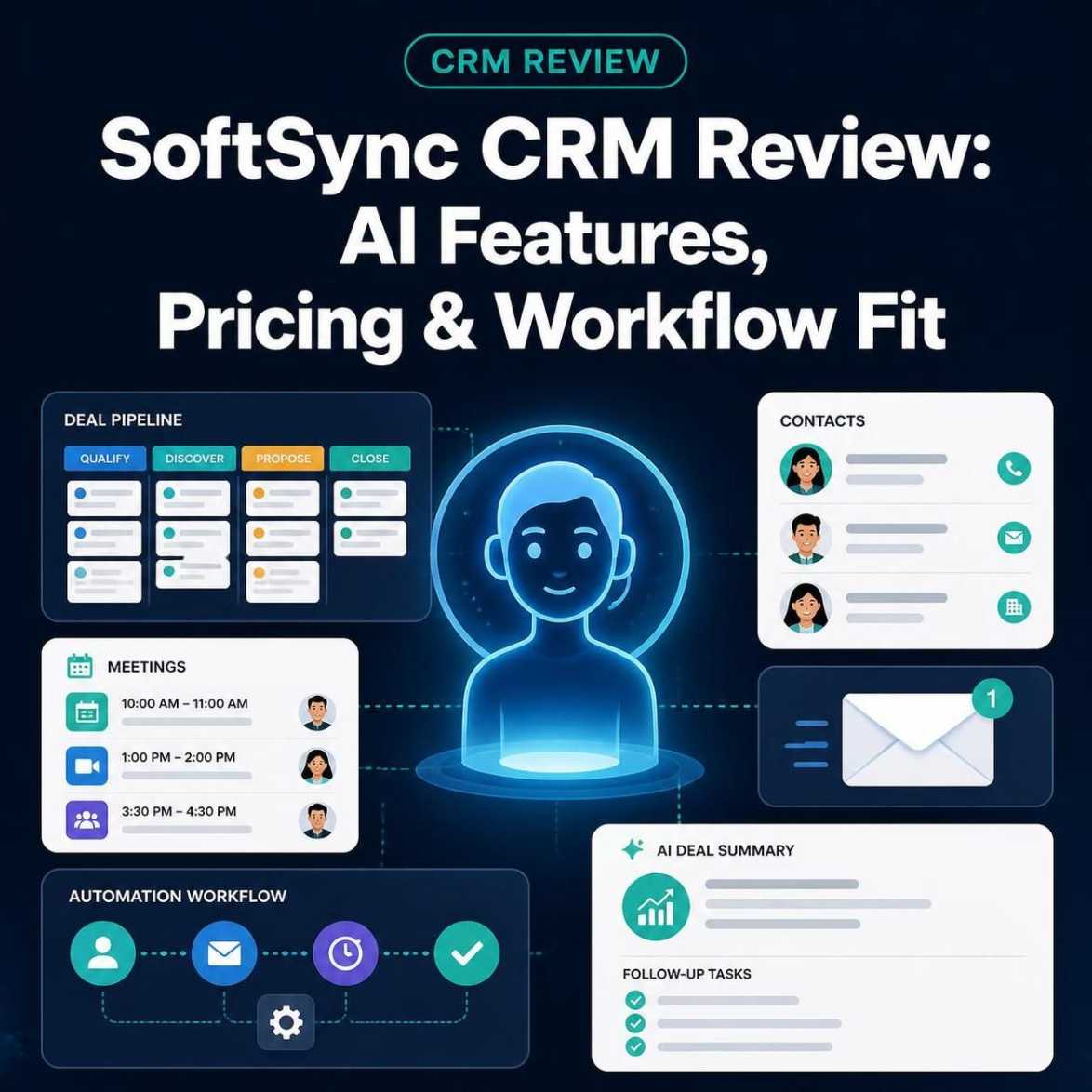
SoftSync CRM Review: Testing Its AI Assistant, Deal Management and Meeting Assistant
SoftSync CRM is a customer relationship management platform that combines deal and contact management with an AI assistant, meeting tools, email capabilities and automation features. Our initial testing explored AI-generated deal summaries and follow-up task creation, while the Meeting Assistant was evaluated at the interface level. Businesses considering SoftSync should assess its current pricing, verify essential features and determine whether it fits their workflow before subscribing.
Choosing a customer relationship management (CRM) platform is not simply about finding a place to store contacts. For a small business, the real challenge is keeping customer information organised, tracking opportunities, remembering follow-ups and reducing the administrative work that comes with managing sales relationships.
AI-powered CRM software aims to make some of that work easier. Rather than navigating several records manually, users can ask questions about their pipeline, request summaries and turn recommendations into actionable tasks.
SoftSync CRM combines a flexible sales workspace with an AI assistant, email tools, automation capabilities and a desktop Meeting Assistant. But how useful is this combination in practice, and what should prospective users consider before choosing it?
In this SoftSync CRM review, I examine the platform’s main features, share observations from testing its AI assistant and deal-management workflow, explore the Meeting Assistant interface, and assess its potential benefits and limitations for small businesses.
If you're looking for a CRM that combines deal management with AI-assisted workflows, explore SoftSync CRM's features and see whether they fit your team's day-to-day needs.
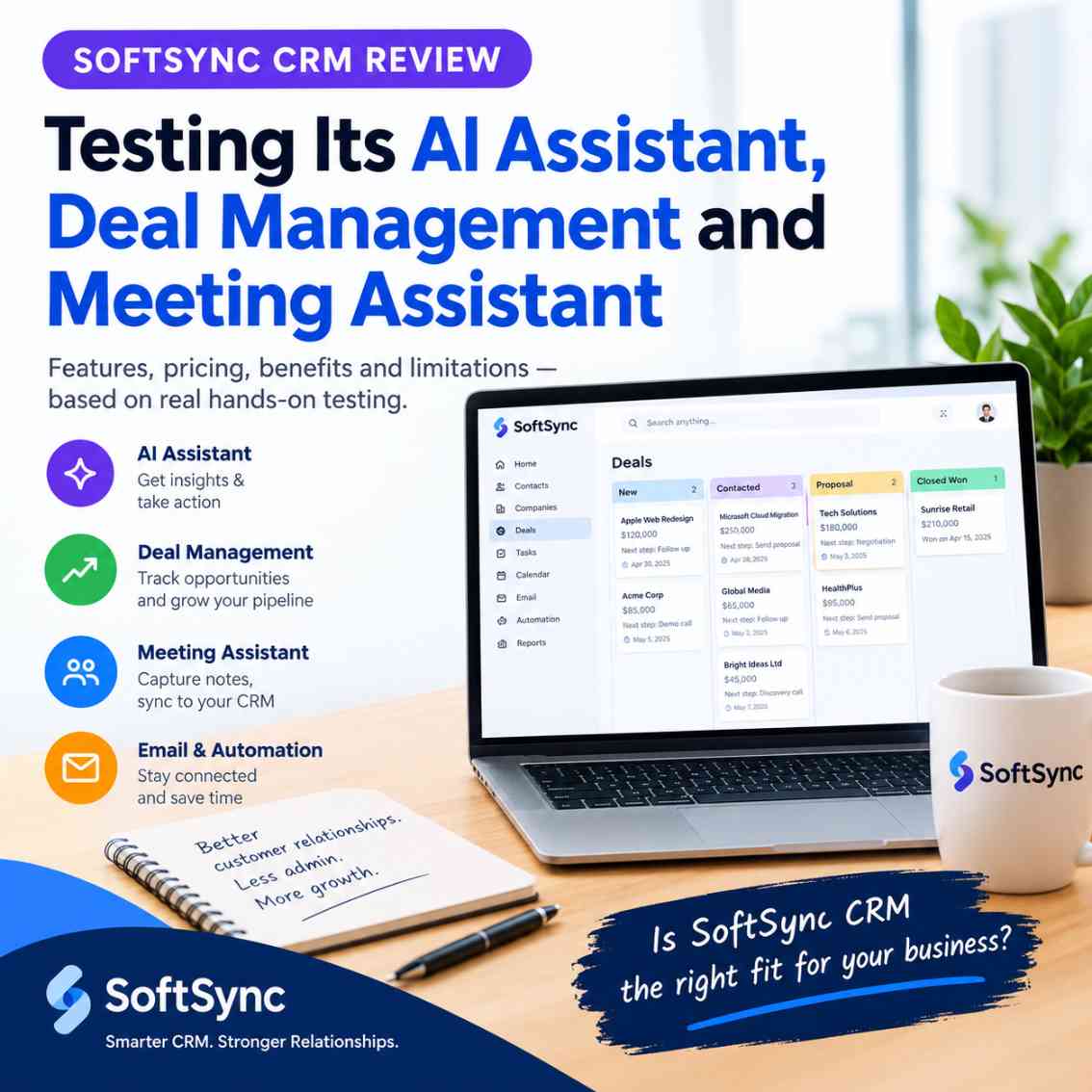
What Is SoftSync CRM?
SoftSync is a CRM platform designed to bring customer records, companies, sales opportunities, communications and follow-up activities into a shared workspace.
Its approach goes beyond a conventional contact database. The platform offers configurable records and fields, different views of business information, email integration, meeting notes, an AI assistant and workflow automation.
This combination may be useful for founders, consultants, agencies and small sales teams that want to manage customer relationships without spreading information across numerous disconnected tools.
The platform's documented capabilities include:
- Contact and company management
- Deal and pipeline tracking
- Tasks, notes and reminders
- Configurable records and fields
- Table, pipeline and calendar views
- Email integration and campaigns
- Meeting notes and summaries
- AI-assisted record analysis and follow-up
- Automation through Autopilot
- API and Model Context Protocol (MCP) connectivity
- Contact enrichment
These features provide a broad foundation for managing sales activities. However, the practical value depends on how well the tools fit a business's existing processes and whether the information they produce is accurate.
For businesses trying to reduce disconnected tools and simplify daily operations, building a connected digital stack is an important step toward making software work together more effectively.
My Hands-On Testing Approach
I evaluated SoftSync using a test workspace under SVC Facilitators, the business identity associated with this evaluation.
The workspace contained sample companies, contacts, deals and tasks. These demonstration records provided a way to explore the CRM without relying on live customer information.
My hands-on evaluation concentrated on three areas:
- Using the AI assistant to understand sample sales opportunities.
- Asking the assistant to prepare and create a follow-up task.
- Installing the Windows desktop application and exploring the Meeting Assistant interface.
I did not complete an exhaustive test of every feature. In particular, I did not complete an end-to-end meeting recording and summary test, nor did I independently test email campaigns, contact enrichment, Autopilot workflows or an external MCP connection.
This distinction matters because a feature being available in a product does not automatically establish how reliably it performs in everyday use.
1. AI Assistant: Understanding Deals and Suggested Actions
One of the first features I explored was SoftSync's built-in AI assistant.
Instead of opening each sample opportunity separately, I asked the assistant to summarise the available deals and recommend appropriate next actions.
The workspace contained sample opportunities including Apple Web Redesign, Microsoft Cloud Migration and Google Ad Campaign. The records included information such as deal stage, value and expected end date.
The assistant returned a summary of the available opportunities and suggested actions based on their recorded status. It also identified that the sample deals had dates in the past and recommended checking their current status and timing.
This was a useful observation. An opportunity's stage and value do not tell the whole story if its expected close date has already passed. A sales team needs to know whether the deal remains active, has been delayed or should be closed.
The assistant's response provided a starting point for that review without requiring me to manually inspect each record first.
Why this feature could be useful
For a founder or small sales team, AI-assisted summaries may help with routine activities such as:
- Reviewing opportunities that need attention
- Identifying missing or outdated sales information
- Preparing for pipeline discussions
- Finding records that may need a follow-up
- Turning an initial review into a practical action list
The usefulness of these recommendations still depends on the quality of the underlying CRM data. If a salesperson has not updated a deal, the assistant may identify the inconsistency but cannot automatically know what happened outside the workspace.
Generated recommendations should therefore be checked against the actual customer history before being treated as confirmed information.
My observation: The assistant was useful for summarising the sample deal information and proposing next steps. This was an initial functional test, not a benchmark of its accuracy across a large or live sales pipeline.
Businesses comparing ways to reduce repetitive administrative work can also explore AI productivity tools that address practical business workflows to identify which types of automation best match their needs.
2. Testing AI-Assisted Task Creation
A summary is helpful, but the next step is turning it into work that can be tracked.
To explore this, I asked the assistant to draft a follow-up task for the sample Apple Web Redesign opportunity.
The assistant proposed a task titled “Confirm Apple Web Redesign opportunity status.” It also supplied a relevant description and a due date.
I then instructed the assistant to create the task.
The assistant reported that the task had been created, linked to the Apple Web Redesign sample deal and marked as not started. It also reported that the deal's stage and value had not changed.
This was a useful distinction between suggesting an action and attempting to record that action in the CRM. The assistant's response indicated that the task creation had been carried out without changing unrelated deal information.
However, I did not independently verify the task in the task list during this test. The result should therefore be understood as the assistant's reported outcome rather than an independently confirmed record update.
What this workflow offers
In a small sales operation, a typical process might look like this:
- Review an opportunity.
- Identify the information that needs confirmation.
- Create a follow-up task.
- Associate it with the relevant deal.
- Return to the task list to manage the next action.
AI assistance could reduce the effort required to prepare these tasks, particularly when a team handles numerous opportunities.
The important question is whether the task is saved correctly, assigned to the right record and given an appropriate date. Users should verify those details after an AI-assisted change, especially when the task affects an important customer relationship.
My observation: I explored the assistant's task-drafting and task-creation workflow using sample data. The assistant reported a successful creation, although I did not independently confirm the saved task.
3. Deal Management and Pipeline Visibility
SoftSync provides a structured workspace for managing companies, contacts, deals and related activities.
Its configurable views allow users to work with business information in different ways. Table views are useful for inspecting individual records, while pipeline views can make it easier to understand where opportunities sit in a sales process. Calendar views can provide another perspective on scheduled activities.
The sample workspace also displayed a combined pipeline value of approximately $7.7 million across its three sample deals.
That figure came from demonstration data. It should not be interpreted as actual revenue, a forecast for a real company or evidence of sales performance.
The more important point is that the workspace brings deal stages, values and dates into a structured view that an AI assistant can help interpret.
Where this could help
A business managing multiple opportunities may benefit from being able to identify:
- Deals with outdated expected close dates
- Opportunities that lack a clear next action
- Follow-ups that need to be scheduled
- Records that require additional context
- Information that needs to be checked before a sales review
A CRM becomes more useful when its records reflect what is actually happening. AI can assist with reviewing that information, but it cannot replace consistent record maintenance by the people responsible for the relationships.
My evaluation covered the initial deal-summary workflow rather than every aspect of pipeline management, reporting or forecasting.
4. Meeting Assistant: Exploring the Desktop App on Windows and macOS
SoftSync also offers a Meeting Assistant through its desktop application.
I initially explored the web workspace, where the Meeting Assistant was not available in the sidebar. After receiving clarification that the recorder requires the desktop app, I downloaded and installed the Windows version.
The Meeting Assistant then became available.
When opening the desktop application, I encountered a meeting window containing an untitled meeting, an option to add people and notes, and a meeting-type selector. The General Meeting option included a template with sections such as overview, key points, decisions, action items and follow-ups.
The interface also included a Start notes control. The desktop app could be minimised to the Windows notification area, where its icon remained available until I exited the application.
These observations confirmed that I could access the Meeting Assistant and explore its meeting setup and note-template interface.
SoftSync's desktop app is available for both Windows and macOS, although a Linux version is not currently available. My hands-on exploration of the Meeting Assistant was conducted using the Windows desktop app.
They did not establish how well its recording or transcription works.
How the Meeting Assistant may fit into a CRM workflow
According to SoftSync's documentation, its desktop recorder is designed to capture computer microphone and system audio, produce a live transcript and generate an editable meeting summary.
The documented workflow allows users to review the generated notes and associate them with the appropriate CRM record.
That approach could be useful for businesses that want to preserve meeting context alongside customer information. Decisions, unresolved questions and follow-up commitments can be easier to find when they are connected to the relevant relationship.
However, my hands-on evaluation did not reach the point of completing a recording and verifying the resulting transcript or summary.
I therefore cannot independently confirm the recording quality, transcription accuracy, summary quality or CRM attachment behaviour.
My observation: The Meeting Assistant in SoftSync's desktop application installed successfully, and the Meeting Assistant interface and note-template options were available. Its end-to-end recording and summarisation performance remains unverified in this review.
5. Email Campaigns and Contact Enrichment
SoftSync's documented feature set also includes email integration, campaigns and contact enrichment.
These capabilities are worth considering because sales information is often spread across inboxes, contact records and separate research tools.
Email integration and campaigns
SoftSync documents connections for Google Workspace and Microsoft 365, allowing supported email and calendar activity to be brought into the CRM workspace.
Its email tools include campaign messages, templates and follow-up sequences. The documented workflow also covers reviewing engagement information, such as opens, clicks, replies and delivery failures.
For a small sales team, keeping relevant communication connected to contact and company records could reduce the need to search across separate systems when preparing a follow-up.
Email integration requires careful setup, however. Businesses should check the permissions they grant, decide which messages should be imported and consider how personal or unrelated communications will be handled.
I did not connect a mailbox or send a campaign during my evaluation, so these capabilities are based on the product's documentation rather than hands-on testing.
Contact enrichment
SoftSync's Enrich feature is documented as a way to add information to a contact record using a supported professional-profile URL.
Depending on the available information and the workspace configuration, enrichment may populate structured fields, provide current role or organisation details, suggest a work email or update a related organisation record.
This could help teams prepare for outreach without manually researching every contact from scratch.
However, enriched information should not be assumed to be correct simply because it appears in a CRM. Job titles, employment relationships and contact details can be outdated or ambiguous. Users should verify important information before relying on it for sales decisions or outreach.
I did not test contact enrichment with my own records, so I cannot assess its accuracy or success rate.
6. Autopilot, API and MCP: Additional Automation Options
SoftSync also documents Autopilot workflows, API access and MCP connectivity.
These features extend the platform beyond a conventional CRM interface.
Autopilot
Autopilot is intended for repeatable processes that can run from defined triggers or schedules. This differs from using the AI assistant for a one-off question or task.
For example, a team might investigate a recurring workflow for reviewing newly created opportunities or identifying records that need attention.
The practical result depends on the available triggers, permissions, workflow design and safeguards. I did not configure or execute an Autopilot workflow during this review.
API and MCP connectivity
These connections require configuration and appropriate access permissions.
SoftSync documents API and MCP access for connecting the CRM to compatible tools and workflows.
MCP, or Model Context Protocol, provides a way for a compatible AI assistant to interact with supported CRM tools. Depending on the connection and permissions, these interactions may include searching records, reviewing activity, adding notes or updating supported information.
This could be useful for businesses that want AI assistance to work with current CRM information instead of relying only on text copied into a separate conversation.
These connections require configuration and appropriate access permissions. Users should review proposed changes and understand what data a connected tool can access.
I did not complete an MCP connection or test an external AI integration, so these capabilities remain outside the scope of my hands-on findings.
If you'd like to see how SoftSync connects CRM workflows with AI assistants, watch the SoftSync demos showing its integration with Claude and ChatGPT to understand how these connections may fit into your existing workflow.
7. SoftSync CRM Pricing
SoftSync's pricing should be checked directly before subscribing because plans, usage limits and billing terms can change.
At the time of checking the official pricing page for this review, the listed prices were:
| Plan | Annual billing price per seat | Monthly billing price per seat |
|---|---|---|
| Pro | $29 per month | $39 per month |
| Business | $59 per month | $79 per month |
| Enterprise | Custom pricing | Custom pricing |
The prices above are in US dollars and exclude VAT.
The Pro plan is positioned for growing teams that want the core sales workspace. Business includes the same core product features with more capacity and additional support services. Enterprise is intended for organisations that need tailored limits, integrations or other arrangements.
The pricing page lists capabilities such as CRM records, email tools, meeting notes, the AI assistant, Autopilot, integrations, API access and MCP access among the plan features.
The difference between plans is not simply the number of features. Team size, record limits, mailbox connections and monthly usage allowances can also affect which plan is suitable.
Before committing, review the current pricing page, the limits that apply to your workspace, any applicable taxes and the billing terms presented during checkout.
I used a test workspace for this review; I did not conduct a paid-plan capacity test or independently verify every usage limit.
8. What I Liked About SoftSync
Based on my initial evaluation and the documented feature set, several aspects deserve attention.
AI assistance is connected to CRM work
The assistant could summarise the sample deals and suggest next steps. The follow-up task exercise also showed how an AI conversation can be used to prepare a concrete CRM action.
This is more practical than treating AI as a separate chatbot with no connection to business records.
The platform brings several sales activities together
SoftSync combines contact and deal management with documented email, meeting, reporting and automation capabilities.
For a team trying to reduce the number of disconnected tools it uses, having these activities within one workspace could be appealing.
Meeting notes have a structured format
The Meeting Assistant interface includes configurable note sections for information such as key points, decisions, action items and follow-ups.
That structure is relevant to businesses that want meeting information to support their next steps rather than remain as unorganised notes.
The quality of the actual output still needs to be assessed through a completed recording.
The workspace offers room for customisation
Configurable records, fields and views may help teams adapt the CRM to their existing sales processes instead of forcing every business into an identical structure.
The trade-off is that a more configurable system may require time to plan and maintain properly.
9. Limitations and Points to Consider
A fair evaluation should also consider what remains uncertain and what prospective users need to assess.
Not every feature has been tested
This review includes hands-on testing of selected AI assistant workflows and exploration of the Meeting Assistant interface.
It is not a comprehensive audit of SoftSync. Email campaigns, contact enrichment, Autopilot, MCP connectivity and end-to-end meeting recording were not fully tested.
Businesses whose buying decision depends on one of these capabilities should verify it in their own environment before subscribing.
AI output still needs human review
A summary or suggested action can help organise work, but it should not be treated as unquestionable evidence.
Users should check dates, values, customer commitments and target records before relying on an AI recommendation or allowing it to change CRM data.
Meeting Assistant requires the desktop application
The Meeting Assistant was available after I installed the Windows desktop application. It was not available in the web workspace I initially explored.
This distinction matters for users who prefer to work entirely in a browser or whose computers are managed under specific software restrictions.
I use Linux for most of my work, so I used Windows to explore the desktop interface. I did not establish whether a supported Linux desktop version is available.
Pricing and usage limits need careful review
Per-seat pricing can become significant as a team grows. Businesses should estimate the number of users they need, review the included capacity and compare the cost with the workflows they will actually use.
A broad feature list is not enough to determine value. The relevant question is whether the tools reduce enough manual work or improve the sales process enough to justify the subscription.
10. Who Should Consider SoftSync CRM?
SoftSync may be worth evaluating for the following types of users.
Founders and small businesses: Teams that need to organise contacts, deals and follow-up activities in a shared workspace.
Consultants and agencies: Businesses that manage multiple client relationships and want customer context, meeting notes and next actions connected.
Small sales teams: Groups interested in using AI assistance to review opportunities and prepare routine CRM actions.
Teams exploring AI-connected workflows: Businesses that want to investigate how an AI assistant could work with CRM records through supported integrations and MCP.
However, organisations with strict recording requirements, specialised integrations or demanding automation needs should verify those requirements directly. The available feature descriptions do not establish that every workflow will suit every business.
11. Is SoftSync CRM Worth Considering?
SoftSync brings together several capabilities that matter in day-to-day sales work: structured CRM records, pipeline tracking, AI-assisted analysis, meeting-related tools, email functionality and automation options.
In my initial hands-on evaluation, the AI assistant was able to summarise sample opportunities and recommend follow-up actions. When I asked it to create a task, it reported that the task had been created and linked to the relevant sample deal, although I did not independently verify the saved record.
I also installed the Windows desktop application and explored the Meeting Assistant interface, including its meeting setup and note-template options. I did not complete a recording or validate the resulting transcript and summary.
These findings provide an initial view of the product, not proof that every feature performs reliably under production conditions.
For businesses interested in a flexible CRM with AI-assisted workflows, SoftSync deserves a closer look. Its suitability will depend on the team's requirements, the quality of its data, the integrations it needs and the results of testing the specific workflows that matter most.
Before subscribing, I would recommend trying a representative workflow with non-sensitive test data: review a deal, prepare a follow-up, verify the saved task and, if meeting capture is important, complete a recording and inspect the resulting notes.
That approach will give you a more meaningful basis for deciding whether the platform fits your business than a feature list alone.
Explore SoftSync CRM: Visit the official website to review the current features, pricing and available plan options before making a decision.
Before committing to a subscription, businesses can compare business software options before choosing a platform and consider how each solution fits their budget, existing systems and operational priorities.
Frequently Asked Questions
What is SoftSync CRM used for?
SoftSync is a CRM platform for managing contacts, companies, deals and related sales activities. It also documents AI assistance, email tools, meeting notes, automation and integration capabilities.
Does SoftSync have an AI assistant?
Yes. SoftSync documents an AI assistant that can help users find and summarise CRM information, review sales activity, suggest follow-ups and perform supported workspace actions, subject to permissions and configuration.
Does SoftSync include a Meeting Assistant?
SoftSync offers a desktop Meeting Assistant. Its documentation describes capturing computer audio, producing a transcript and generating an editable meeting summary. In this review, I explored the Windows interface but did not complete an end-to-end recording test.
How much does SoftSync CRM cost?
At the time of checking, SoftSync's official pricing page listed Pro at $29 per seat per month with annual billing or $39 with monthly billing. Business was listed at $59 annually billed per month or $79 with monthly billing, while Enterprise pricing was custom. Prices exclude VAT; check the official pricing page for current terms.
Can SoftSync connect to other AI tools?
SoftSync documents API and MCP connectivity for compatible tools. The available actions depend on the connection, workspace permissions and supported capabilities. I did not test an external MCP connection during this review.
Is SoftSync CRM suitable for a small business?
It may be suitable for small businesses that want to manage contacts, opportunities and follow-ups in a configurable workspace, particularly if AI assistance and integrated sales tools are useful to their workflow. Prospective users should test the features they depend on before committing to a paid plan.
Now that you've considered SoftSync's features, pricing and limitations, review its current plans and decide whether they offer the right fit for your business before committing to a subscription.
Final verdict: SoftSync CRM combines a flexible sales workspace with AI-assisted deal review and a broader set of documented sales tools. My initial tests were encouraging for basic deal summarisation and follow-up assistance, but the evaluation was limited. Businesses should verify meeting recording, integrations and other essential workflows themselves before deciding whether SoftSync is the right CRM for them.
Disclosure: This article contains an affiliate relationship with SoftSync. If you sign up through our affiliate link, Kuruntha Smarket may earn a commission at no additional cost to you.

Our observations and conclusions are based on our own evaluation, and features that were not fully tested are identified accordingly.

This article was created with AI-assisted research and carefully reviewed by our in-house team before publication