Create a Professional PowerPoint Timeline in 5 Minutes — Free Template & Quick Tutorial
Create a Professional PowerPoint Timeline in 5 Minutes — Free Template & Quick Tutorial
In today’s fast-paced business environment, clear visual timelines help you communicate complex projects with ease. Whether you’re managing a project launch, reporting progress to stakeholders, or summarizing historical events, a professional PowerPoint timeline can make your message more memorable.
This quick guide will show you how to create a stunning PowerPoint timeline in just 5 minutes, plus give you a free editable template so you can start right away.
🎯 Present Like a Pro — Starting Now
Skip the design headaches. Our free timeline template is fast, polished, and effective.
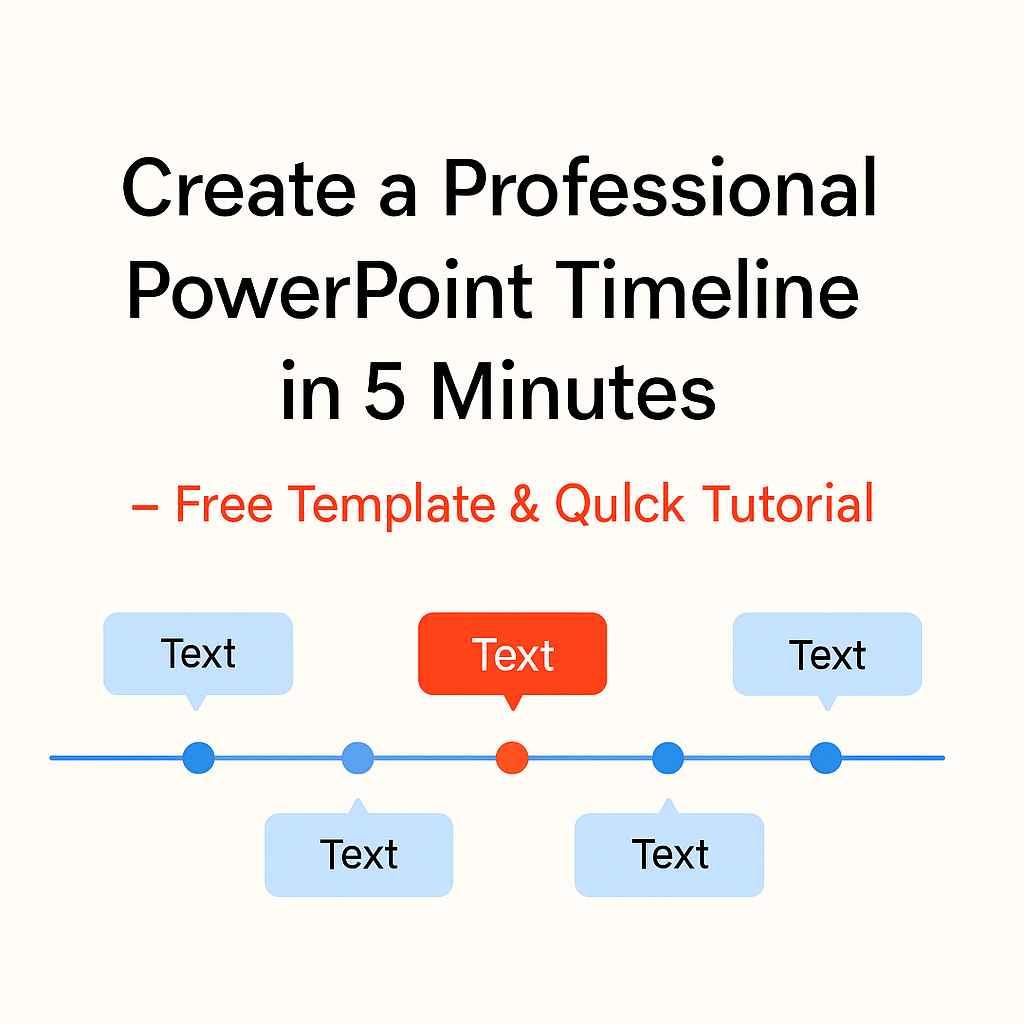
What is a PowerPoint Timeline?
A PowerPoint timeline is a visual representation of events, milestones, or project stages laid out chronologically. It’s widely used in:
- Project Management: Tracking deadlines and deliverables
- Business Strategy: Presenting roadmaps and growth plans
- Education: Outlining historical events or research timelines
- Marketing: Visualizing campaign stages
If you need more advanced workflows, consider using advanced timeline tools for full campaign planning.
How Do You Create a Timeline in PowerPoint Quickly?
You can make a professional-looking timeline in five simple steps:
- Open PowerPoint and Insert a Blank Slide
Start fresh for a clean, professional layout. - Use SmartArt or Office Timeline Add-in
Go to Insert → SmartArt → Process and choose a timeline layout.
For more advanced designs, the Office Timeline add-in offers ready-made, customizable templates that save hours. - Add Your Key Milestones
Keep text concise — focus on dates, phases, and important deliverables. - Customize Colors and Fonts
Use your brand colors and readable typography for a polished look. - Enhance with Icons or Images
Visual cues make your timeline easier to follow and more engaging.
Free Editable PowerPoint Timeline Template
We’ve prepared a free, ready-to-use PowerPoint timeline template so you can skip the formatting work.
- Simply download
- Replace placeholder text with your project details
- Present confidently in minutes
This template is perfect for:
- Annual planning
- Product launches
- Marketing campaigns
- Research milestones
For more detailed planning, teams often switch to more structured Gantt chart workflows.
Why Use a Timeline Template Instead of Starting from Scratch?
- Saves Time — Get a professional design instantly
- Ensures Consistency — Keep presentations uniform
- Boosts Impact — Presentations look polished and credible
- Flexible Editing — Adjust colors, styles, and layouts in seconds
Pro Tips for a High-Impact Timeline
- Limit to 5–7 milestones for clarity
- Keep dates in the same format throughout
- Use contrast colors to highlight critical phases
- Test your slide on a large screen before presenting
Why Office Timeline Excels
While PowerPoint’s built-in SmartArt is useful, Office Timeline takes it to another level. It offers:
- Professional-grade templates ready in minutes
- Drag-and-drop editing with zero design skills needed
- Instant updates for changing project schedules
- Export options for PowerPoint, Excel, or high-res images
For marketing teams, it’s also useful to explore multi-channel campaign timeline tools.
This is why businesses, educators, and project managers worldwide choose it — it’s not just faster, it’s better.
Creating a professional PowerPoint timeline no longer requires hours of formatting. With the right process and a free template, you can go from a blank slide to a stunning visual in just minutes — and if you use Office Timeline, you’ll unlock even more speed and polish.
Download the free template now and impress your audience with timelines that get remembered.
✨ From Ideas to Impact — In Minutes
Impress clients, managers, and teams with stunning timelines you can edit in seconds.
#PowerPointTimeline #TimelineTemplate #ProjectManagement #BusinessPresentation #SlideDesign #VisualCommunication #OfficeTimeline #PresentationDesign #TimelineDesign #BusinessTools
Disclosure:
This article may contain affiliate links. If you choose a service through our links, we may earn a commission at no extra cost to you.
This article was created with AI-assisted research and carefully reviewed by our in-house team before publication