SoftSync CRM Pricing 2026: Plans, Costs & Features
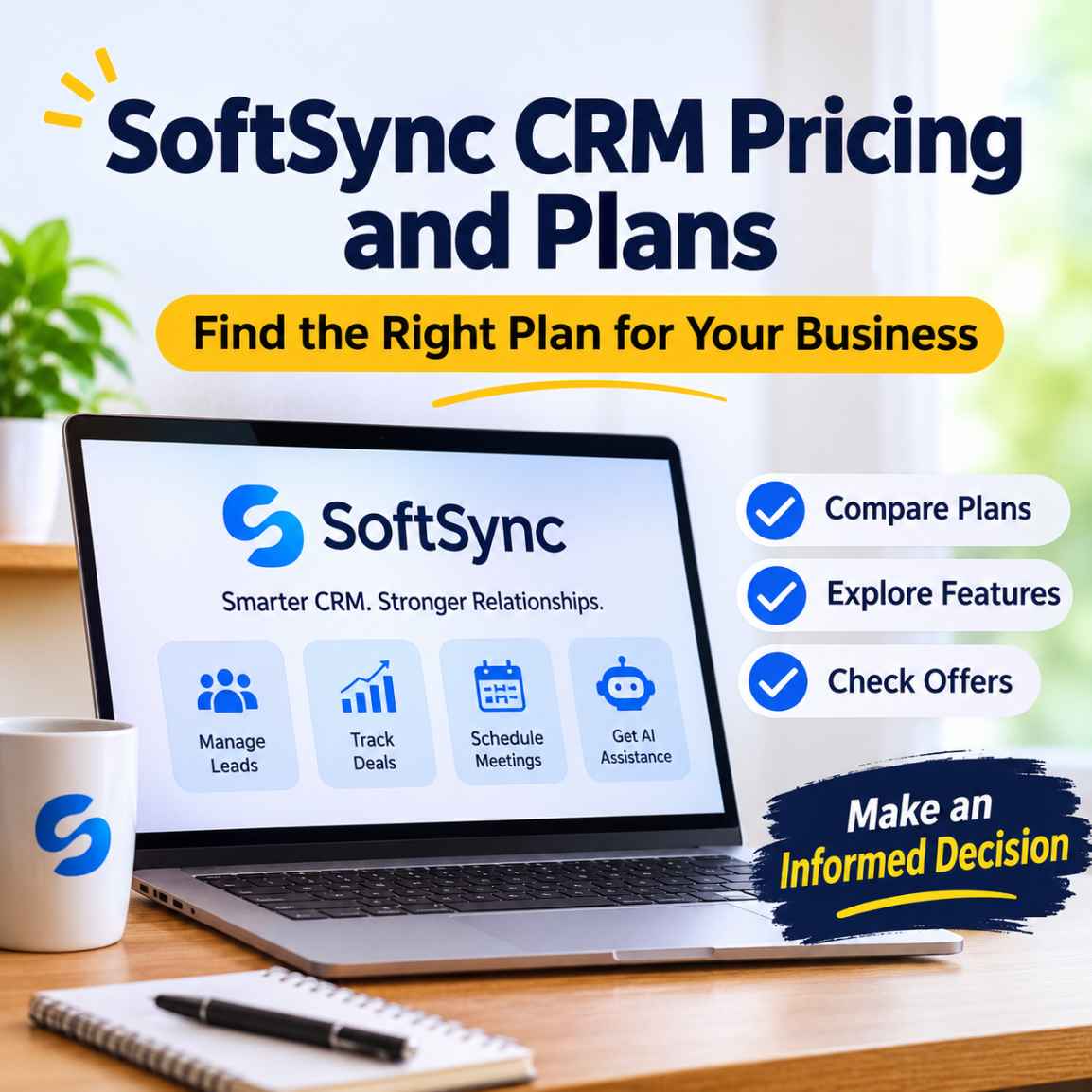
SoftSync CRM Pricing 2026: Plans, Costs & Features
SoftSync CRM pricing starts at $29 per user per month with annual billing for the Pro plan, or $39 with monthly billing. The Business plan costs $59 per user per month annually or $79 monthly, while Enterprise pricing is customised. Both standard paid plans include core CRM, AI, automation and integration capabilities, with different usage limits and support provisions. Prices exclude VAT.
Choosing a CRM is partly a software decision and partly a budgeting decision. A platform may offer useful automation, AI assistance and sales management features, but the subscription still needs to make financial sense for the team using it.
SoftSync CRM takes an interesting approach to pricing. Instead of separating its core CRM capabilities into multiple feature-restricted packages, it offers the same broad product foundation across its standard paid plans. The main differences involve team capacity, usage allowances and additional support.
But is the $29 Pro plan enough for a growing business? When does Business become worthwhile? And what should you know about SoftSync's subscription costs before signing up?
In this guide, we examine SoftSync CRM pricing, compare its plans, explain the practical differences and look at the current partner-provided discount available to eligible Kuruntha readers.
Pricing checked: 10 November 2026. Prices and product conditions can change, so verify the latest terms on the official pricing page before subscribing.
If SoftSync looks suitable for your team's CRM requirements, compare its available plans and check whether the Kuruntha partner offer can reduce your initial subscription cost.
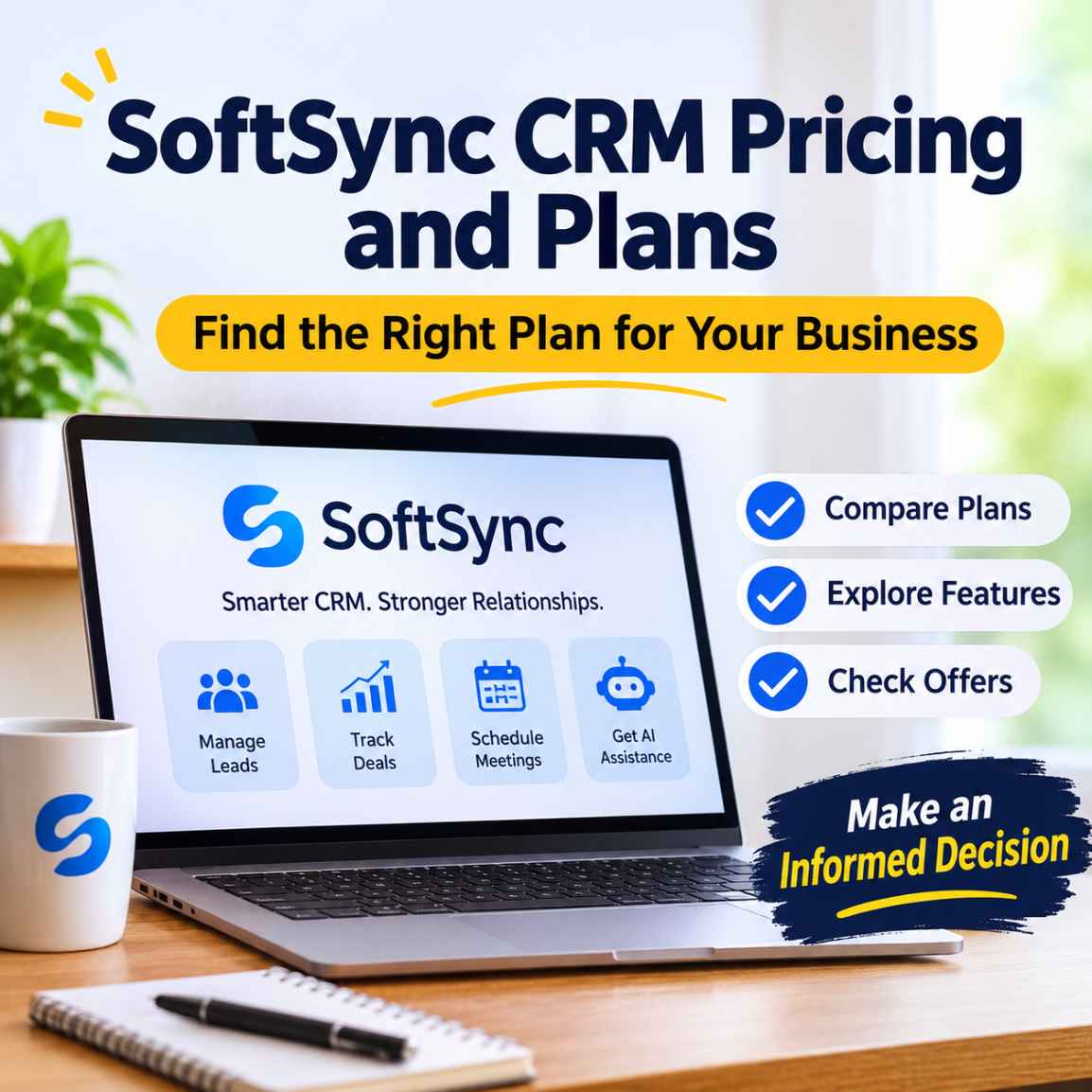
1. How Much Does SoftSync CRM Cost in 2026?
SoftSync offers three pricing options: Pro, Business and Enterprise.
The Pro plan starts at $29 per user per month with annual billing. Business starts at $59 per user per month with annual billing, while Enterprise is available through customised pricing.
| Plan | Annual billing (monthly equivalent) | Monthly billing |
|---|---|---|
| Pro | $29/user/month | $39/user/month |
| Business | $59/user/month | $79/user/month |
| Enterprise | Custom | Custom |
All published prices are in USD and exclude VAT.
Annual billing offers a lower monthly equivalent, but it involves a longer subscription commitment. Businesses should compare the total amount payable upfront or over the billing period rather than considering only the advertised monthly equivalent.
For the latest plan information, visit the official SoftSync pricing page.
Considering SoftSync for your business? Check the available subscription options and see whether the Pro or Business plan matches your team's requirements.
2. What Does SoftSync Pro Include?
The Pro plan costs $29 per user per month when billed annually, or $39 per user per month with monthly billing.
It is positioned for growing teams that need a connected sales workspace without immediately requiring the higher capacity of Business.
The documented Pro capabilities include:
- Flexible CRM records, custom objects and fields.
- Table, pipeline and calendar views.
- Email synchronisation, campaigns and templates.
- Meeting notes and summaries.
- Reports and dashboards.
- AI Assistant and Autopilot workflows.
- Integrations and API access.
- Model Context Protocol (MCP) connectivity.
- Record and contact enrichment.
One important distinction is that Pro is not presented as a stripped-down CRM with major features reserved for the next subscription tier.
The same core CRM, AI and automation capabilities are available across the standard paid plans. The difference is how much capacity the business receives.
Pro plan capacity
According to the current official pricing comparison:
| Limit | Pro |
|---|---|
| Maximum team members per workspace | 5 |
| Maximum groups | 10 |
| Records per table | 250,000 |
| Mailbox connections per user | 1 |
| Campaign emails per user/month | 1,000 |
| Enrichment credits per workspace/month | 1,000 |
| AI chats per user/month | 1,000 |
These limits matter more than the feature list when deciding whether Pro is sufficient.
For example, a five-person consultancy with moderate email campaign activity may find Pro adequate. A business with a larger sales team or substantial campaign requirements may need to consider Business.
3. What Does SoftSync Business Include?
The Business plan costs $59 per user per month with annual billing, or $79 per user per month with monthly billing.
It includes the core capabilities available in Pro, together with higher workspace capacity and additional support services.
Business includes:
- Everything available in Pro.
- Priority support for migration and setup.
- Workspace Consultant support.
- Custom integrations.
- Higher team and usage limits.
Business plan capacity
| Limit | Business |
|---|---|
| Maximum team members per workspace | 25 |
| Maximum groups | 100 |
| Records per table | 1,000,000 |
| Mailbox connections per user | 5 |
| Campaign emails per user/month | 10,000 |
| Enrichment credits per workspace/month | 10,000 |
| AI chats per user/month | 10,000 |
The practical benefit is additional room for a business that is expanding its sales operations.
For example, an agency managing several client relationships may need more mailbox connections, groups and campaign capacity than a smaller consultancy.
Business is therefore worth considering when the Pro limits start affecting daily operations, rather than simply because it is the higher-priced option.
4. SoftSync Pro vs Business: Which Plan Is Better?
The decision is not primarily about which plan has more features. It is about whether the available capacity matches your business requirements.
| Consideration | Pro | Business |
|---|---|---|
| Annual price per user/month | $29 | $59 |
| Monthly price per user | $39 | $79 |
| Team capacity | 5 | 25 |
| Groups | 10 | 100 |
| Records per table | 250,000 | 1 million |
| Mailbox connections | 1/user | 5/user |
| Campaign emails | 1,000/user/month | 10,000/user/month |
| Priority migration and setup support | No | Yes |
| Custom integrations | Contact SoftSync | Contact SoftSync |
When Pro makes more sense
Consider Pro if:
- You operate a small business or consultancy.
- Your team has no more than five members in the workspace.
- Your campaign and enrichment requirements are moderate.
- You want AI-assisted CRM capabilities without paying for additional capacity.
- You are comfortable handling migration and workspace setup yourself.
When Business makes more sense
Consider Business if:
- Your sales team is expanding.
- You need more than five team members.
- Your business manages several groups or sales workflows.
- You require additional mailbox connections.
- Your campaign and AI usage requirements are higher.
- Priority support for migration and setup is important.
My assessment: Pro is the more sensible starting point for a small team that fits its limits. Business becomes easier to justify when its additional capacity and support solve an actual operational problem.
Paying twice as much per seat simply to access the higher plan is difficult to justify if the team will not use those additional allowances.
5. What Will SoftSync CRM Actually Cost Your Team?
Per-user pricing can make a CRM look affordable until the full team is included.
Here are some examples using SoftSync's published annual and monthly rates.
| Team size | Pro annually | Business annually |
|---|---|---|
| 1 user | $348 | $708 |
| 3 users | $1,044 | $2,124 |
| 5 users | $1,740 | $3,540 |
These calculations use the annual-billing monthly equivalents multiplied by 12 months and the number of seats. Taxes are excluded.
For monthly billing, the cost is higher:
| Team size | Pro monthly | Business monthly |
|---|---|---|
| 1 user | $39 | $79 |
| 3 users | $117 | $237 |
| 5 users | $195 | $395 |
These figures are useful for initial budgeting, but they are not a complete assessment of CRM ownership costs.
You should also consider:
- Applicable VAT or other taxes.
- The number of users who genuinely need access.
- Any custom integration work.
- The cost of migrating existing CRM information.
- Whether your team will actually use the included automation and AI allowances.
- The annual commitment and cancellation conditions.
A CRM should justify its cost through better customer management, more reliable follow-ups and reduced administrative effort.
6. Does SoftSync Offer a Free Plan or Free Trial?
This is an important point to check before registering.
The currently accessible official pricing page lists Pro, Business and Enterprise. It does not currently display a permanent free plan.
Some older indexed SoftSync pricing information has shown a Free option. Because the published information has changed or differs between page versions, I would not rely on an older Free-plan description when making a purchasing decision.
The official pricing information also directs users to the checkout process for the applicable trial conditions and payment requirements.
In addition, Kuruntha's existing SoftSync partner offer includes a 30-day trial with its advertised discount code, subject to eligibility and the applicable offer terms.
Before entering payment details, confirm:
- Whether the trial applies to your selected subscription.
- Whether payment information is required.
- When billing begins.
- Whether the promotional discount applies to the selected plan.
- Whether the discount affects the full subscription period or only an eligible initial period.
This avoids an unpleasant surprise after registration.
7. SoftSync CRM Discount Code for Kuruntha Readers
SoftSync previously provided a promotional code for Kuruntha readers through its partner programme.
Partner-provided offer:
- Promo code:
FOUNDER30SSX - Advertised discount: 30% off an eligible SoftSync subscription.
- Advertised trial: 30 days.
- Eligibility: Subject to SoftSync's offer terms and checkout confirmation.
The code and offer were included in our earlier SoftSync CRM review. The current public pricing page does not independently establish the promotional code's validity, eligible plans or stacking conditions.
Therefore, check the final price and trial conditions before completing registration.
If the code is no longer accepted, contact SoftSync to confirm whether the promotion has been extended or whether another offer is available.
8. What Makes SoftSync Different From a Conventional CRM?
Pricing is only one part of the decision. The platform's capabilities also matter.SoftSync brings several sales-related activities into one workspace.
Flexible customer and deal management
Businesses can organise contacts, companies, opportunities and custom records using configurable fields and different workspace views.
This is useful for teams that do not want to force every business relationship into a conventional sales pipeline.
AI Assistant and Autopilot
SoftSync documents an AI Assistant for working with CRM information and Autopilot for workflow automation.
These capabilities can help teams investigate records, organise follow-ups and reduce repetitive administrative activities.
However, AI-generated information should still be reviewed before important customer records are changed.
Meeting notes and summaries
SoftSync's Meeting Assistant uses a desktop application for meeting capture rather than requiring a meeting bot to join the call.
The resulting notes can be reviewed and connected to relevant CRM records.
Businesses should check desktop compatibility and complete an actual meeting workflow during evaluation.
API and MCP connectivity
SoftSync also documents API and MCP access.MCP, or Model Context Protocol, provides a way for compatible AI assistants to interact with supported CRM capabilities.
This is potentially useful for businesses exploring AI-connected workflows, although the practical value depends on configuration, permissions and the actions supported by the integration.
For a closer look at the platform's actual interface and our initial testing, read our hands-on SoftSync CRM review, which examines its AI Assistant, deal management and Meeting Assistant.
9. Is SoftSync CRM Worth the Price?
SoftSync is worth evaluating if a business wants more than a basic contact database.
Its combination of flexible records, pipeline management, email functionality, AI assistance, meeting tools and automation provides a broader workspace for managing customer relationships.
However, whether it represents good value depends on the business.
SoftSync may be worth considering if:
- You are a founder managing customer relationships.
- You run a small consultancy or agency.
- You need a shared sales workspace.
- You want AI assistance connected to CRM information.
- You want to investigate MCP-based CRM integrations.
- Your existing software setup involves too many disconnected sales tools.
You should investigate alternatives if:
- You need a permanent free CRM rather than a paid subscription.
- Your organisation requires specialised industry-specific functionality.
- Your team needs more than the published Business capacity.
- You depend on integrations that have not been verified.
- Your business has strict security, compliance or procurement requirements.
A good purchasing decision should be based on the workflows you actually intend to use, not simply the number of features advertised.
Businesses that prefer managing sales activities directly inside their email environment can also explore CRM workflows built around Gmail to understand a different approach to pipeline and customer management.
10. What Should You Check Before Subscribing?
Before purchasing SoftSync, I recommend running a short evaluation using representative, non-sensitive business data.
Use the following checklist:
- Create a sample contact and company record.
- Build a representative sales pipeline.
- Test the AI Assistant using sample opportunities.
- Check how follow-up tasks are created and saved.
- Connect the email account you intend to use.
- Review campaign and enrichment limits.
- Test the Meeting Assistant if meeting capture is important.
- Investigate the API or MCP connection if your business needs it.
- Check the plan's team and usage limits.
- Confirm the subscription total, taxes and promotional terms.
This approach helps establish whether the platform is useful for your actual operations.
Our own initial review tested selected AI-assisted deal workflows and explored the Meeting Assistant interface. It did not establish the reliability of every feature under production conditions.
11. Frequently Asked Questions
How much does SoftSync CRM cost per user?
SoftSync Pro costs $29 per user per month with annual billing or $39 with monthly billing. Business costs $59 per user per month annually or $79 monthly. Enterprise pricing is customised. Prices exclude VAT.
What is the difference between SoftSync Pro and Business?
Both plans provide the same core CRM capabilities. Business offers higher workspace capacity, increased monthly usage allowances, priority support for migration and setup, and additional services.
Does SoftSync have a permanent free plan?
The currently accessible official pricing page lists Pro, Business and Enterprise. It does not display a permanent Free plan. Check SoftSync directly for any changes or alternative trial arrangements.
Does SoftSync offer a free trial?
Trial conditions should be checked during registration. Kuruntha's existing partner offer advertises a 30-day trial with the code FOUNDER30SSX, subject to eligibility and checkout confirmation.
Is SoftSync Pro suitable for a small business?
It may be suitable for smaller businesses with up to five team members per workspace and moderate usage requirements. The decision should also account for mailbox connections, campaign allowances and other limits.
Is SoftSync Business worth the additional cost?
Business is worth considering when a company needs more team members, groups, mailbox connections, campaign capacity or priority migration support. Smaller teams may find Pro sufficient.
Does SoftSync include AI and MCP access?
SoftSync lists AI Assistant, Autopilot, API and MCP access among its product capabilities and standard paid-plan features. Actual usage is subject to the applicable limits and permissions.
Businesses exploring more advanced automation strategies may also find our guide to AI agents for business automation useful when evaluating how AI-driven workflows can support customer-facing and internal operations.
Can I migrate from another CRM to SoftSync?
SoftSync documents data import and migration assistance. Its current pricing information identifies self-served migration and workspace consulting on Pro, with priority support on Business and Enterprise.
Does SoftSync charge per user?
Yes. Its standard paid plans use per-seat pricing. Your subscription cost therefore depends on the number of users and the selected billing arrangement.
Where can I find the latest SoftSync pricing?
The official pricing page is the best place to verify current subscription rates, plan allowances, billing options and applicable conditions
If you've identified the right plan and confirmed that its features and pricing fit your business, consider starting with SoftSync and testing its CRM capabilities against your actual workflow.
Final Verdict: Which SoftSync Plan Should You Choose?
SoftSync's pricing structure is relatively straightforward: Pro and Business provide the same core product capabilities, while the higher subscription increases capacity and support.
For a small team that fits within the Pro limits, paying $29 per seat per month with annual billing is a reasonable starting point to evaluate.
Business makes more sense when additional team capacity, higher usage and migration support become operational requirements.
I would not recommend choosing a plan simply because it has a longer feature list. Start with the workflows you need, test them and select the subscription that delivers measurable value.
If SoftSync matches your requirements, review its current subscription options and check whether the Kuruntha partner discount is still eligible before completing registration.
Disclosure: Kuruntha Smarket has an affiliate relationship with SoftSync. If you subscribe through our affiliate link, we may earn a commission at no additional cost to you.

Our editorial assessment is intended to help readers make informed software decisions.

This article was generated with the assistance of AI tools and carefully reviewed by our in-house team before publication.
Editorial note: Pricing and plan information was checked against SoftSync's official website on 10 November 2026. Promotional conditions should be confirmed at checkout. Product capabilities described as documented features should not be interpreted as independently tested results.#SoftSync #SoftSyncCRM #CRMSoftware #BusinessAutomation #AIForBusiness #SmallBusinessSoftware