HubSpot Revenue Hub Review 2026: Features, Pricing, Microsoft 365 Copilot & Free 14-Day Trial
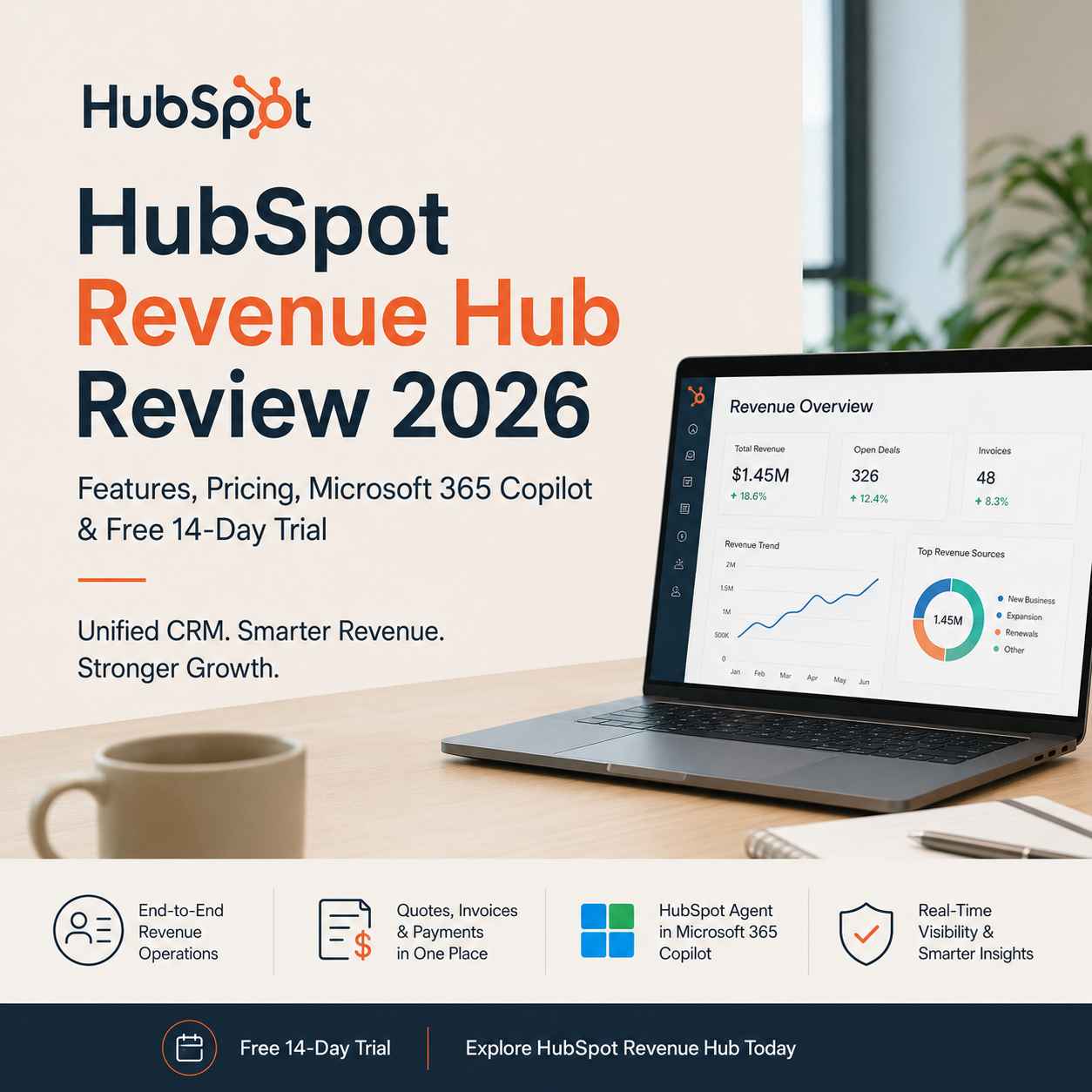
HubSpot Revenue Hub Review 2026: Features, Pricing, Microsoft 365 Copilot & Free 14-Day Trial
Commerce Is Easy. Revenue Operations Are Not.
HubSpot Revenue Hub is the evolution of Commerce Hub, expanding beyond payment collection into a complete quote-to-cash platform. It combines quoting, billing, subscriptions, payments, revenue reporting, and AI-powered CRM workflows while introducing integration with Microsoft 365 Copilot. For businesses already using HubSpot CRM, Revenue Hub aims to reduce operational friction by connecting sales, finance, and customer management within a unified platform.
Many businesses don't struggle because they lack customers. They struggle because revenue workflows become fragmented as the business grows.
Quotes are created in one application.Invoices live somewhere else.
Subscriptions are managed through another platform.
Customer data sits inside the CRM.
Finance teams rely on spreadsheets.
Meanwhile, sales representatives waste valuable time switching between browser tabs instead of closing deals.
This operational disconnect creates hidden costs. Manual data entry increases errors, reporting becomes inconsistent, and leadership loses visibility into the complete customer lifecycle.
Recognizing these challenges, HubSpot has repositioned its former Commerce Hub as Revenue Hub, signaling a broader focus on managing the entire revenue journey rather than individual payment transactions.
The rebranding is more than a cosmetic name change. It reflects HubSpot's ambition to bring quote-to-cash operations closer to the CRM while introducing AI-powered productivity through Microsoft 365 Copilot.
For organizations already invested in the HubSpot ecosystem, this evolution deserves careful attention.
If your current sales process still relies on disconnected tools for quotes, payments, and customer records, this is an excellent time to see how HubSpot Revenue Hub brings those workflows together. The 14-day free trial gives you the opportunity to test it with your own sales process before deciding whether it fits your business.
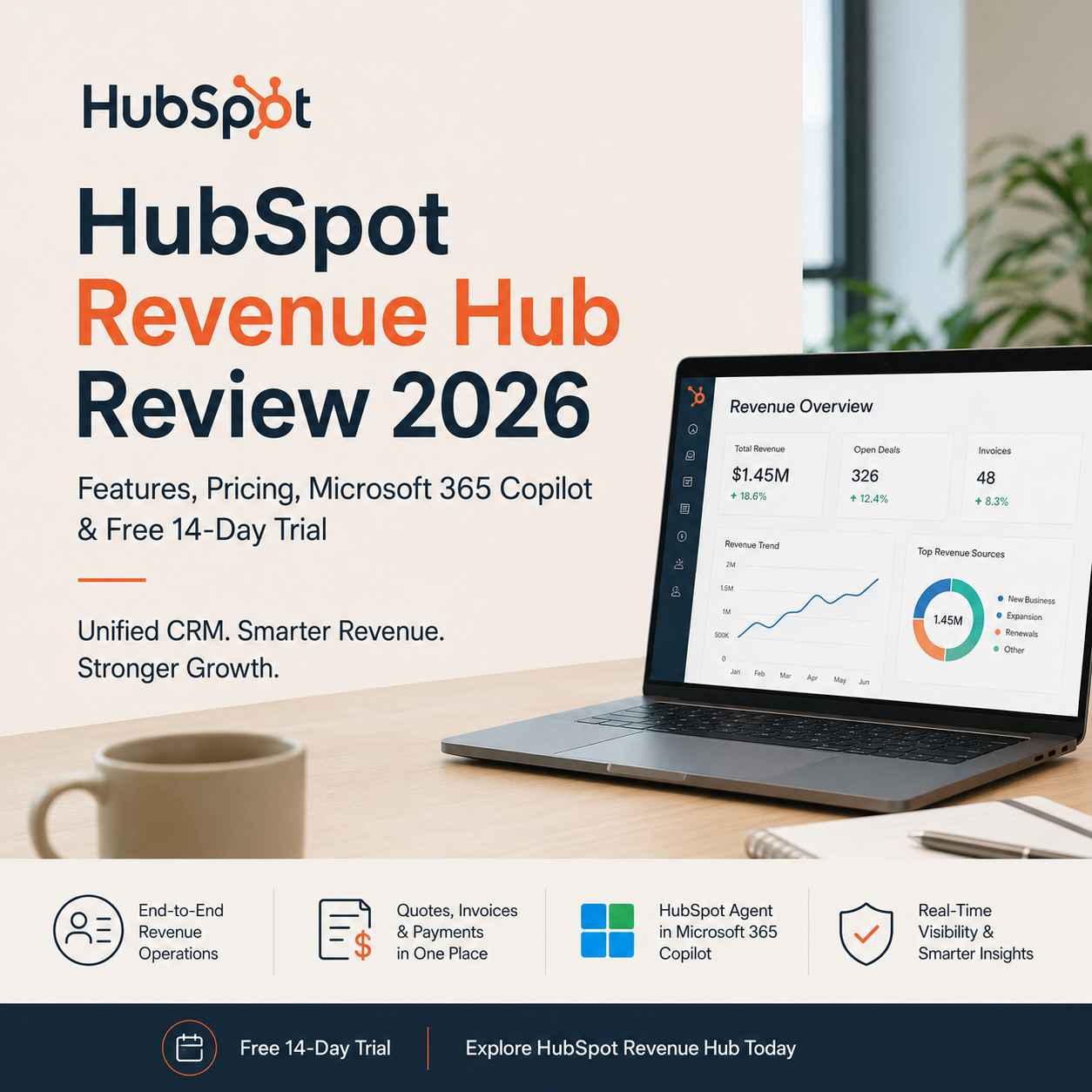
What Changed from Commerce Hub to Revenue Hub?
Commerce Hub primarily focused on helping businesses create quotes, accept payments, and manage subscriptions.
Those capabilities remain, but Revenue Hub expands the scope considerably.Instead of thinking only about payment collection, HubSpot now positions Revenue Hub as the operational layer connecting:
- Sales teams
- Finance teams
- Customer success
- Revenue operations (RevOps)
- CRM data
- AI-assisted productivity
The shift reflects a growing reality within modern organizations. Revenue generation is no longer the responsibility of a single department. Every interaction—from the initial quote to recurring billing and customer renewal—contributes to long-term business growth.
By adopting the Revenue Hub branding, HubSpot aligns its platform more closely with how businesses actually manage recurring revenue today.
Revenue Hub doesn't exist in isolation. It builds on HubSpot's broader customer platform, where marketing, sales, customer service, CRM, and commerce workflows work together instead of operating as separate systems. If you're new to HubSpot's ecosystem, our detailed HubSpot Starter Customer Platform Review explains how all these Hubs fit together and why many growing businesses choose an all-in-one CRM instead of stitching together multiple tools.
Revenue Hub at a Glance
Revenue Hub brings together several operational capabilities that previously required separate tools or manual coordination.
Core functionality includes:
- Professional quote generation
- Invoice management
- Subscription billing
- Secure payment collection
- Revenue reporting
- Customer payment portals
- CRM synchronization
- AI-assisted revenue workflows
- Automation across sales and finance
For businesses already using HubSpot CRM, these features reduce the need to duplicate customer information across multiple systems.
Instead of maintaining disconnected records, customer interactions remain linked throughout the sales lifecycle.
The Microsoft 365 Copilot Integration Is One of the Biggest Additions
One of the most notable announcements accompanying Revenue Hub is the arrival of the HubSpot Agent for Microsoft 365 Copilot.
Rather than forcing employees to open the HubSpot interface for every CRM lookup, the integration allows them to retrieve CRM information directly within Microsoft 365 Copilot Chat and Microsoft Teams using natural language.
Imagine asking:
- Which deals are expected to close this month?
- Show me open support tickets for Contoso.
- What was our last interaction with this customer?
- Summarize this account before my meeting.
Instead of navigating multiple dashboards, Copilot can surface relevant CRM information within the Microsoft workflow employees already use throughout the day.
For organizations standardized on Microsoft 365, this reduces context switching and keeps conversations centered around customer data without constantly changing applications.
The value is not merely convenience. It also shortens the time required to prepare for meetings, respond to customer inquiries, and coordinate across departments.
Microsoft 365 Copilot is only one part of HubSpot's expanding AI strategy. Businesses that also want to improve how they appear inside AI-powered search platforms should understand how Answer Engine Optimization (AEO) is changing customer discovery. Our HubSpot AEO Review explores how businesses can improve visibility across ChatGPT, Perplexity, and Google AI while strengthening long-term organic growth.
Why This Matters for Revenue Operations
Revenue operations have become increasingly data-driven.
Sales, marketing, finance, and customer support all contribute to the customer journey, yet many organizations still operate these functions using disconnected software.
Revenue Hub attempts to bridge those gaps by treating revenue as a continuous workflow instead of isolated transactions.
That perspective aligns with how many growing businesses now organize their operations.Rather than asking, "Which department owns this customer?" teams increasingly ask, "How do we create a consistent customer experience from first contact through renewal?"
When CRM data, payment information, subscriptions, and revenue reporting live together, decision-making becomes faster and reporting becomes more reliable.
This integrated approach can be especially valuable for:
- SaaS businesses
- Agencies with recurring retainers
- B2B service providers
- Subscription businesses
- Professional consulting firms
- Growing startups building predictable recurring revenue
Key Features Worth Exploring
Quote-to-Cash Workflow
The centerpiece of Revenue Hub is its quote-to-cash process.
Instead of generating quotes in one platform and manually recreating customer information elsewhere, sales teams can move prospects from proposal to payment while keeping CRM records synchronized.
This reduces administrative work and minimizes opportunities for data inconsistencies.
Subscription Management
Recurring billing is increasingly common across industries.
Revenue Hub allows businesses to manage subscription products alongside customer records, simplifying renewals and recurring revenue tracking.
For businesses transitioning from one-time sales to subscription-based services, having billing integrated with CRM data provides clearer visibility into customer lifetime value.
Payment Collection
Revenue Hub continues to support secure payment collection through integrated payment processing.
Because payment information is associated with CRM records, sales and finance teams gain a more complete picture of customer activity without relying on disconnected spreadsheets or external tracking tools.
Revenue Reporting
One of the practical advantages of combining CRM and financial workflows is improved reporting.
Instead of assembling reports manually from multiple sources, businesses can analyze revenue trends using centralized operational data.
This is particularly useful for managers monitoring sales performance, subscription growth, or payment status across teams.
AI-Assisted CRM Productivity
The Microsoft 365 Copilot integration signals HubSpot's broader commitment to embedding AI into everyday business workflows.
Rather than treating AI as a separate feature, the platform increasingly uses it to reduce repetitive work, surface CRM insights, and help employees access customer information more naturally.
For organizations already invested in Microsoft's productivity ecosystem, this integration could become one of the most practical productivity improvements introduced in 2026.
Daily Workflow Analysis: Where Revenue Hub Makes the Biggest Difference
Many CRM platforms promise an end-to-end sales workflow, but the real challenge begins once a prospect agrees to move forward. Quotes need approval, invoices must be issued, payments have to be tracked, and finance teams need accurate revenue data without manually reconciling multiple systems.
Revenue Hub is designed to reduce these handoffs by extending HubSpot CRM into the quote-to-cash process.
Rather than thinking of it as another billing application, it is better viewed as an operational extension of the CRM. Customer records, sales activities, commercial documents, and payment information remain connected throughout the customer lifecycle.
For businesses already relying on HubSpot Sales Hub and Marketing Hub, this unified approach can significantly reduce repetitive administrative work.
A Typical Revenue Hub Workflow
To understand its practical value, consider a common B2B sales process.
Step 1: Lead Qualification
A prospect enters HubSpot through a website form, marketing campaign, or manual sales outreach. Their information is automatically stored within the CRM, providing a single source of truth for future interactions.
Step 2: Sales Engagement
Sales representatives communicate with the prospect using HubSpot's built-in email tracking, meeting scheduling, and pipeline management tools. Notes, emails, and deal stages remain linked to the customer record.
Step 3: Quote Creation
Once the opportunity progresses, the sales representative generates a professional quote directly from the deal record instead of switching to separate quoting software.
This helps maintain consistency while reducing duplicate data entry.
Step 4: Customer Approval
The customer reviews the quote digitally. Depending on the workflow, they can accept the proposal and proceed with payment using integrated payment options.
Step 5: Payment and Subscription Management
For recurring services, Revenue Hub supports subscription management, helping businesses automate renewals and recurring billing without relying on disconnected spreadsheets.
Step 6: Revenue Visibility
Finance and leadership teams gain access to centralized reporting that combines CRM activity with commercial transactions, making revenue forecasting more reliable.
Microsoft 365 Copilot Integration: A Practical Perspective
One of the most interesting additions to HubSpot's ecosystem is the HubSpot Agent for Microsoft 365 Copilot.
Instead of requiring employees to open HubSpot for every customer lookup, users can retrieve CRM information directly within Microsoft 365 Copilot Chat or Microsoft Teams using natural language.
Imagine preparing for a customer meeting.
Instead of navigating through multiple CRM screens, a sales manager could ask Copilot:
- Which deals are closing this quarter?
- Summarize our communication with this customer.
- Show open support tickets.
- Display the latest sales activities.
- List outstanding invoices related to this account.
This conversational approach reduces context switching and helps teams stay within the Microsoft environment they already use throughout the workday.
For organizations heavily invested in Microsoft 365, this integration has the potential to improve productivity without requiring employees to learn entirely new workflows.
Setup and Onboarding Experience
Revenue Hub benefits significantly from being part of the broader HubSpot ecosystem.
Businesses already using HubSpot CRM can enable Revenue Hub without migrating customer records between platforms.
However, implementation still requires thoughtful planning.
Areas that typically require configuration include:
- Payment processing
- Product catalog
- Subscription plans
- Quote templates
- Invoice settings
- User permissions
- Revenue reporting
- Workflow automation
Small businesses with straightforward sales processes may complete the initial setup relatively quickly.
Larger organizations with custom approval chains, multiple business units, or complex pricing models should expect a more involved implementation.
The platform is user-friendly, but successful adoption depends on establishing consistent sales and finance processes before introducing automation.
Learning Curve
Revenue Hub is approachable for users already familiar with HubSpot.
Navigation follows the same interface patterns found across HubSpot's other Hubs, reducing the need for extensive retraining.
New users, however, may need time to understand concepts such as:
- Deal pipelines
- Revenue workflows
- Automation rules
- Subscription lifecycle management
- Payment processing
- Revenue reporting
Fortunately, HubSpot provides extensive documentation, learning resources, and onboarding materials that can shorten the learning curve.
Revenue Hub solves one part of the growth equation. If you're evaluating HubSpot for the first time, compare it within the context of the complete Customer Platform before making a decision. Our HubSpot Starter Customer Platform Review walks through exactly how the different Hubs work together for growing businesses.
Productivity Impact
From an operational standpoint, Revenue Hub has the greatest impact in reducing repetitive administrative work.
Potential efficiency gains include:
- Fewer duplicate customer records
- Reduced manual invoice creation
- Faster quote generation
- Better alignment between sales and finance
- Centralized revenue reporting
- Improved visibility across customer interactions
The biggest advantage is not necessarily speed but consistency. When customer information flows through a unified platform, reporting becomes more accurate, and teams spend less time reconciling conflicting data.
Pricing Overview
HubSpot offers Revenue Hub with different pricing tiers depending on business requirements and feature availability.
While pricing may change over time, businesses should evaluate Revenue Hub based on the broader operational value rather than focusing solely on subscription costs.
When assessing pricing, consider questions such as:
- Will it replace separate quoting software?
- Can it reduce manual accounting tasks?
- Does it eliminate duplicate CRM work?
- Will it improve forecasting accuracy?
- Can it shorten the sales cycle?
In many cases, consolidating multiple tools into a single platform can offset part of the subscription cost through improved efficiency and reduced software sprawl.
If you're evaluating the platform, the free 14-day trial offers a practical opportunity to test its fit with your existing sales and finance workflows before making a long-term commitment.
Strengths
Revenue Hub brings several notable advantages for growing businesses.
Unified Customer Journey
Customer interactions remain connected from the first sales conversation through payment and renewal, reducing fragmentation across teams.
Native CRM Integration
Because Revenue Hub is built directly into HubSpot, customer data remains synchronized without relying heavily on third-party connectors.
Better Revenue Visibility
Combining CRM information with commercial transactions provides managers with a more complete view of sales performance and recurring revenue.
AI-Enhanced Productivity
The Microsoft 365 Copilot integration reflects a broader move toward conversational access to CRM data, helping teams retrieve information more efficiently.
Scalable Ecosystem
Businesses already using Marketing Hub, Sales Hub, or Service Hub can expand their capabilities without introducing another disconnected platform.
Honest Limitations
No platform is perfect, and Revenue Hub is no exception.
Best Value Exists Within the HubSpot Ecosystem
Organizations using other CRM platforms may find it difficult to justify adopting Revenue Hub independently.
Its strongest advantages emerge when multiple HubSpot products are already in use.
Advanced Requirements May Increase Costs
As businesses grow, additional features, users, and premium capabilities can raise overall subscription costs.
Decision-makers should evaluate total cost of ownership rather than entry-level pricing alone.
Regional Payment Availability
Payment features and financial services may vary by country, which can affect adoption for international businesses.
Always verify regional availability before planning a deployment.
Initial Process Standardization Is Essential
Automation works best when underlying business processes are already well defined.
Businesses with inconsistent sales practices may need to improve internal workflows before realizing the platform's full value.
Instead of comparing feature lists, import a few real customer records, create sample quotes, and test your day-to-day workflow during the free trial. You'll quickly discover whether HubSpot Revenue Hub reduces administrative work enough to justify becoming part of your long-term business toolkit.
Revenue Hub vs Traditional Quote-to-Cash Workflows
| Traditional Workflow | Revenue Hub |
|---|---|
| Multiple disconnected applications | Unified platform |
| Manual spreadsheet tracking | Centralized reporting |
| Duplicate customer records | Shared CRM data |
| Separate invoicing systems | Native commercial workflows |
| Limited visibility | End-to-end customer lifecycle |
| Higher administrative effort | Greater operational consistency |
Revenue Hub vs Alternative Platforms
Businesses evaluating Revenue Hub may also consider other well-known solutions.
Salesforce Revenue Cloud
A strong choice for large enterprises with highly customized sales processes, but it typically requires greater implementation effort and specialized administration.
Zoho CRM Plus
Offers broad functionality at competitive pricing, making it attractive for small businesses. However, organizations deeply invested in HubSpot's ecosystem may prefer the tighter integration available within Revenue Hub.
Freshworks Suite
Well suited for customer engagement and sales management, though its commercial workflow capabilities differ depending on the products selected.
Standalone Billing Platforms
Tools dedicated solely to invoicing or subscription billing can be effective for specific financial tasks, but they often require additional integrations to maintain synchronization with CRM data.
Who Should Use Revenue Hub?
Revenue Hub is particularly well suited for:
- Growing SaaS businesses
- Subscription-based companies
- B2B service providers
- Marketing agencies
- Professional consulting firms
- Revenue operations teams
- Businesses already using HubSpot CRM
- Organizations standardizing on Microsoft 365
Who May Want to Look Elsewhere?
Revenue Hub may not be the best fit for:
- Very small businesses needing only simple invoicing
- Organizations committed to a different CRM ecosystem
- Companies requiring highly specialized enterprise finance platforms
- Businesses with minimal recurring revenue processes
The platform delivers the greatest value when revenue operations extend beyond basic payment collection and require close coordination between sales, finance, and customer success teams.
9. Frequently Asked Questions
Is Commerce Hub the same as Revenue Hub?
Yes. HubSpot has officially rebranded Commerce Hub as Revenue Hub. While the familiar capabilities—such as quotes, invoices, payments, and subscriptions—remain, the new name reflects a broader vision centered on the complete quote-to-cash process and revenue operations. It also aligns with HubSpot's growing investment in AI-powered workflows and deeper CRM integration.
What is HubSpot Revenue Hub used for?
Revenue Hub helps businesses manage the commercial side of the customer journey within HubSpot CRM. Depending on your subscription and region, it can support:
- Quote creation
- Invoice management
- Payment collection
- Subscription billing
- Revenue reporting
- Customer payment tracking
- Workflow automation
Its primary goal is to reduce operational friction by keeping commercial data connected to customer records.
Does Revenue Hub replace accounting software?
No.
Revenue Hub complements accounting software rather than replacing it. It focuses on the customer-facing commercial workflow—from quotes to payments—while most organizations will still rely on dedicated accounting or ERP systems for bookkeeping, tax compliance, payroll, and financial reporting.
How does Microsoft 365 Copilot work with HubSpot?
The HubSpot Agent for Microsoft 365 Copilot enables users to access HubSpot CRM information using natural language within Microsoft 365 Copilot Chat and Microsoft Teams.
Instead of manually opening CRM records, users can ask questions such as:
- Which deals are closing this month?
- Show recent customer interactions.
- What support tickets are still open?
- Summarize this account before my meeting.
This helps reduce application switching while making CRM data more accessible during everyday work.
Is Revenue Hub suitable for small businesses?
Yes, particularly for growing businesses that already use HubSpot CRM or expect to scale their sales operations.
However, companies with very simple invoicing needs or limited sales complexity may find standalone invoicing tools more cost-effective.
The decision should be based on operational requirements rather than company size alone.
Does Revenue Hub support recurring subscriptions?
Yes.
Revenue Hub includes subscription management capabilities that help businesses offering recurring products or services manage ongoing customer billing alongside CRM records.
This makes it especially attractive for SaaS providers, agencies with monthly retainers, membership organizations, and subscription-based businesses.
Is HubSpot Revenue Hub worth the investment?
For organizations already using HubSpot CRM, the answer is often yes.
The greatest value comes from reducing manual work, improving visibility across the customer lifecycle, and connecting sales, finance, and customer success workflows.
If your current process involves several disconnected applications and frequent spreadsheet updates, Revenue Hub has the potential to simplify operations.
Can I try Revenue Hub before purchasing?
Yes.
HubSpot offers a 14-day free trial, allowing businesses to evaluate Revenue Hub with their own workflows before committing to a paid subscription.
Testing the platform with real sales processes is the best way to determine whether it aligns with your operational needs.
If Revenue Hub fits your business, it's also worth evaluating the complete HubSpot platform rather than adopting individual products one at a time. Our guide to the HubSpot Starter Customer Platform Discount explains how startups and growing businesses can access HubSpot at a lower entry cost while building a scalable CRM foundation.
10. Final Verdict
HubSpot's decision to rename Commerce Hub as Revenue Hub represents more than a branding update. It reflects a broader shift toward treating revenue operations as an integrated business process rather than a collection of disconnected financial tasks.
The addition of the HubSpot Agent for Microsoft 365 Copilot reinforces this direction by making CRM data easier to access within tools many organizations already use daily. While the long-term impact of AI-assisted workflows will depend on continued development, the integration signals a practical move toward reducing context switching and improving productivity.
From an operational perspective, Revenue Hub delivers its strongest value when it is part of the wider HubSpot ecosystem. Businesses already using HubSpot CRM, Sales Hub, Marketing Hub, or Service Hub are likely to benefit most from the unified customer data, streamlined quote-to-cash workflows, and centralized reporting.
That said, it is not the ideal solution for every organization. Businesses with minimal invoicing requirements or those deeply invested in another CRM platform may find greater value in more focused alternatives. Likewise, companies with complex enterprise finance requirements should evaluate how Revenue Hub fits alongside their existing accounting or ERP systems.
Our Recommendation
Choose Revenue Hub if you:
- Already use HubSpot CRM and want a more connected revenue workflow.
- Manage recurring subscriptions or long-term customer contracts.
- Need better collaboration between sales, finance, and customer success teams.
- Want to reduce manual data entry and improve reporting accuracy.
- Use Microsoft 365 and see value in AI-assisted access to CRM data.
Consider other options if you:
- Only need basic invoicing or payment collection.
- Rely on a different CRM platform as the center of your operations.
- Require highly specialized enterprise financial management capabilities.
For many growing businesses, Revenue Hub is less about replacing every financial system and more about creating a consistent operational layer that connects customer relationships with commercial activities. That focus makes it a compelling option for organizations looking to simplify revenue operations without adding unnecessary complexity.
Technology should simplify your business—not create more work. If Revenue Hub aligns with the way your team sells, invoices, and manages customer relationships, start with the free 14-day trial and evaluate it using your own workflows. You'll gain a clearer picture of whether consolidating your revenue operations inside HubSpot is the right long-term investment.
Ready to Evaluate Revenue Hub?
If you're exploring ways to streamline your quote-to-cash process, reduce manual administration, and keep your sales and finance teams aligned, the 14-day free trial is a practical starting point. Use the trial to recreate your real-world workflows, test the Microsoft 365 Copilot integration where available, and assess whether Revenue Hub fits your long-term operational strategy before making a purchasing decision.
#HubSpotRevenueHub #RevenueOperations #CRMStrategy #BusinessAutomation #Microsoft365Copilot #SalesOperations #WorkflowAutomation #DigitalTransformation #HubSpot #RevenueOperations #CRM #BusinessGrowth #Microsoft365 #SalesEnablement #WorkflowAutomation #B2BTechnology
Disclosure:
This article may contain affiliate links. If you choose a service through our links, we may earn a commission at no extra cost to you.
This article was created with AI-assisted research and carefully reviewed by our in-house team before publication